Daily Workflows

Create a Drip Campaign

Summary

Create structured email and SMS follow-up sequences for repeatable lead nurturing.

Steps

  1. Open Campaigns and create a new campaign.
  2. Add steps with channel and timing configuration.
  3. Validate compliance before enrollment.

Expected Result

Campaign is created with valid steps and ready for enrollment.

Screenshots

Visual reference aligned to each step with desktop and mobile variants.

Step 1
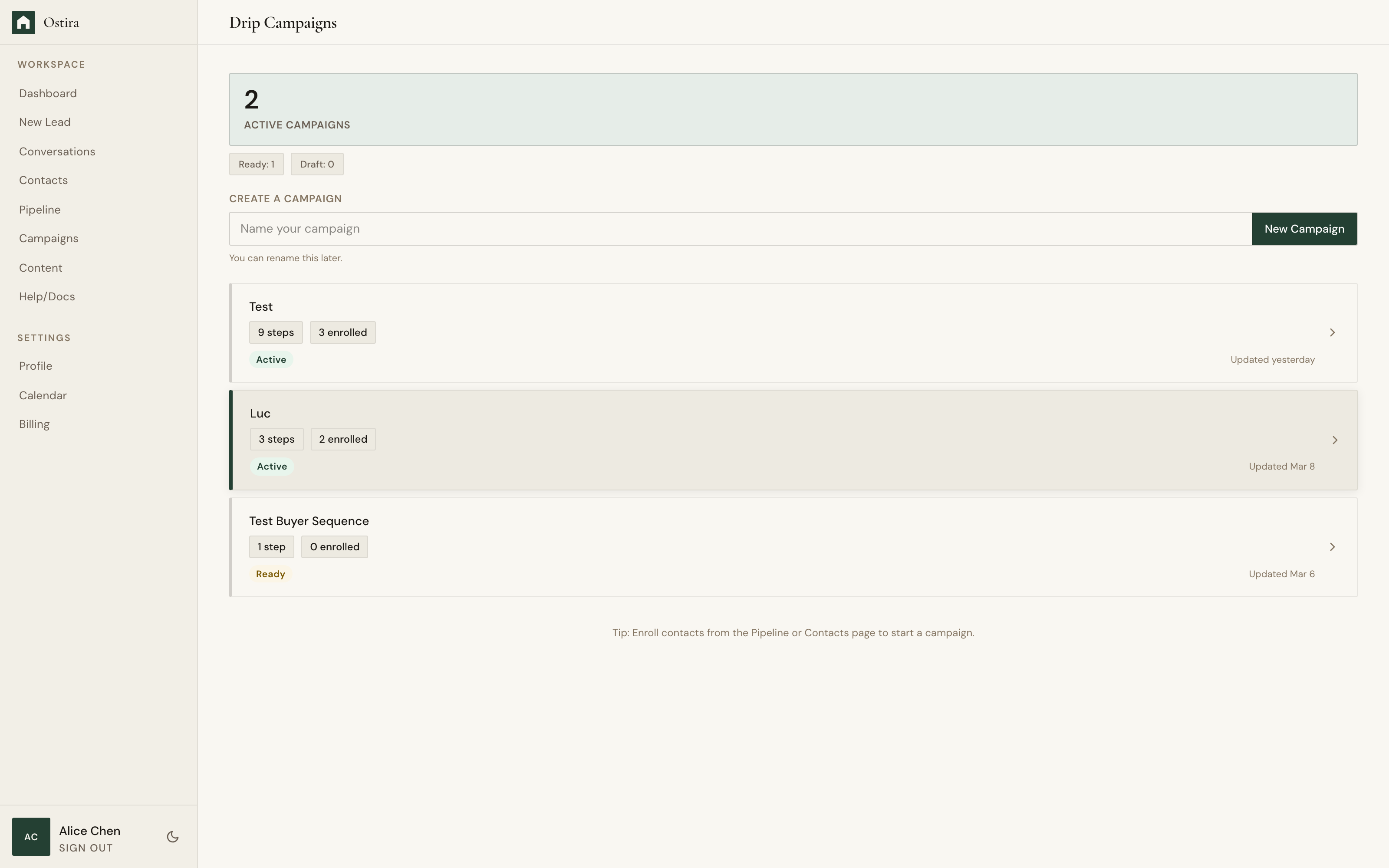
Desktop screenshot for Create a Drip Campaign: Open Campaigns and create a new campaign.
desktop Open Campaigns and create a new campaign.
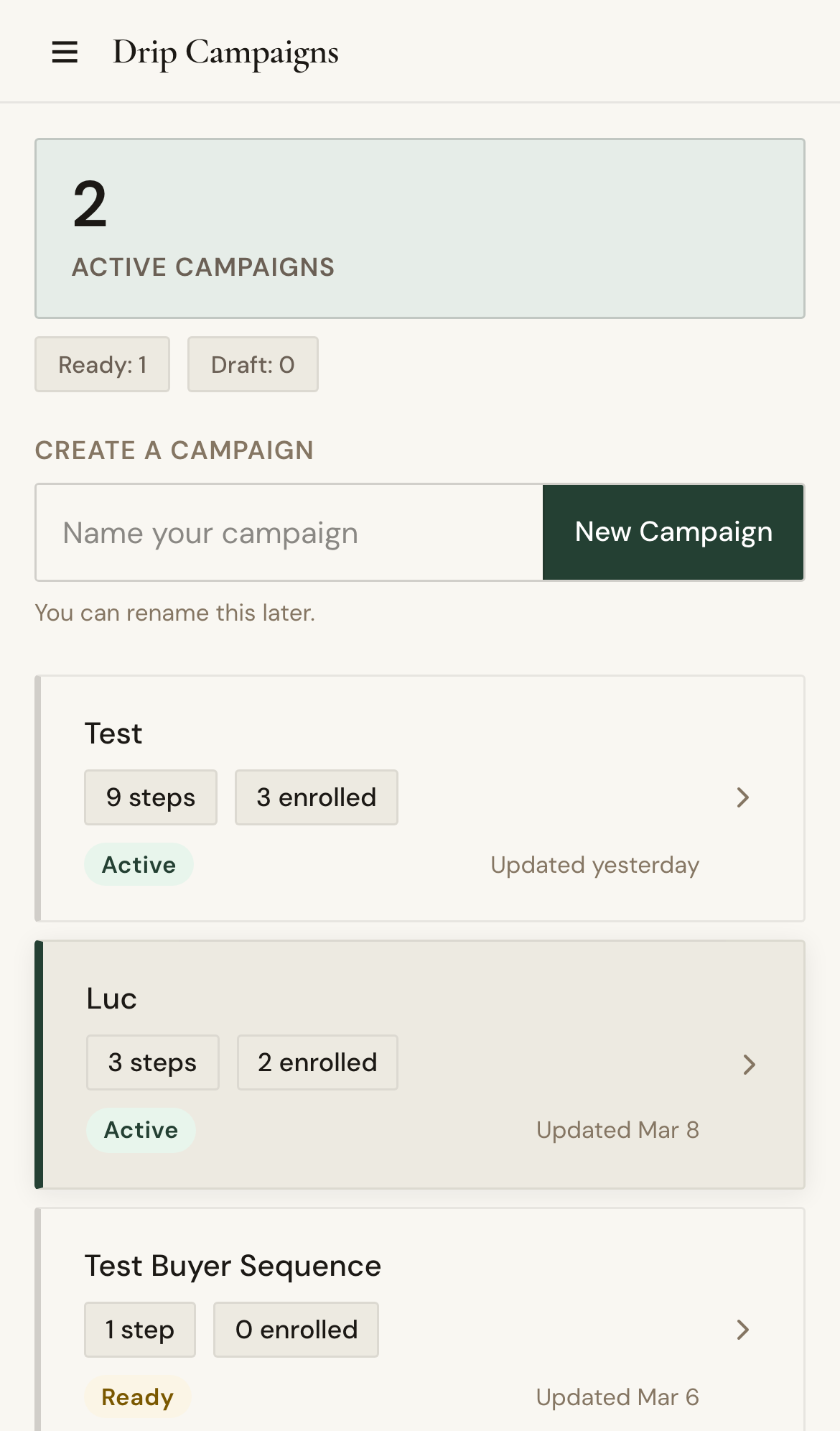
Mobile screenshot for Create a Drip Campaign: Open Campaigns and create a new campaign.
mobile Open Campaigns and create a new campaign.

Step 2

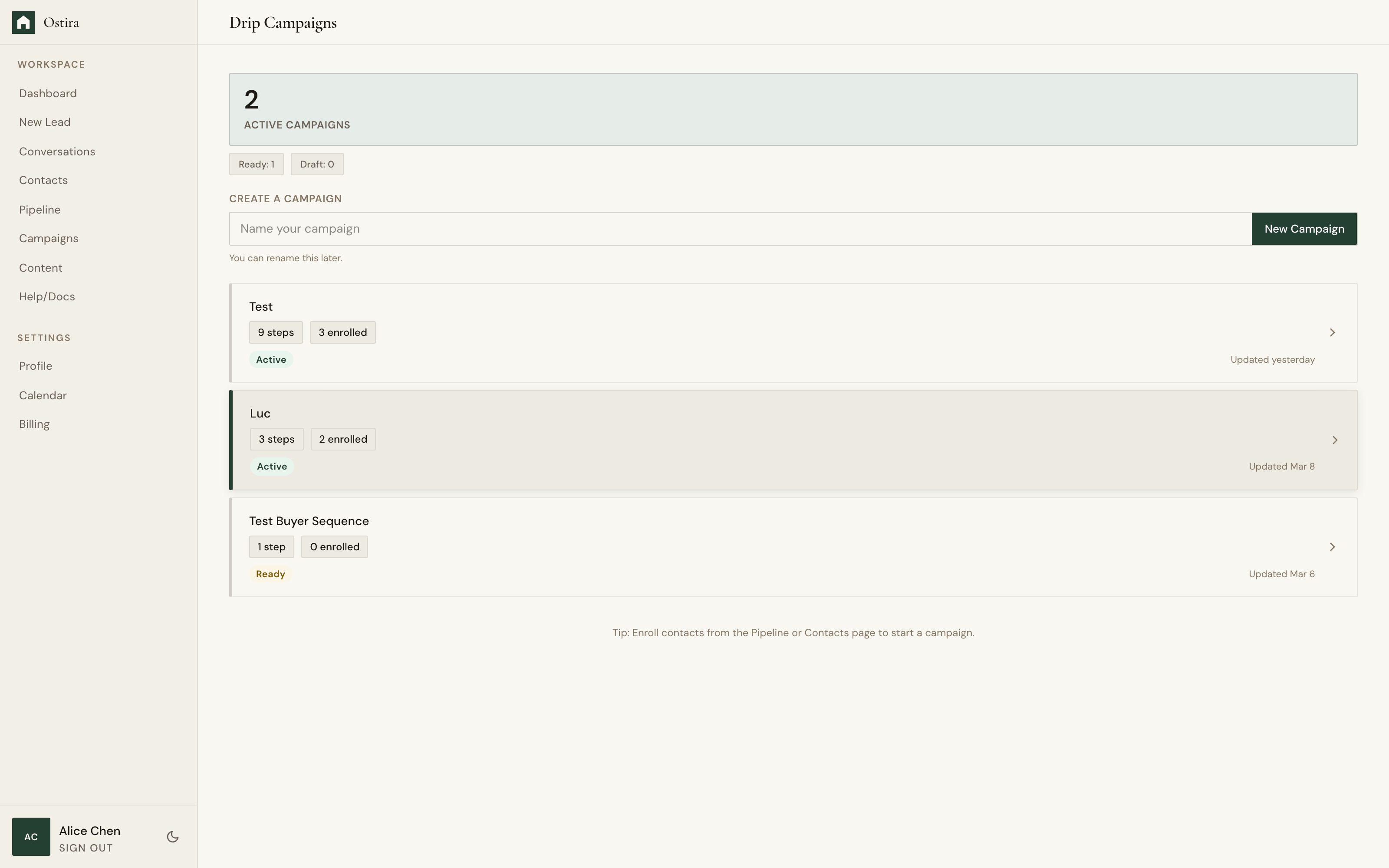
Desktop screenshot for Create a Drip Campaign: Add steps with channel and timing configuration.
desktop Add steps with channel and timing configuration.
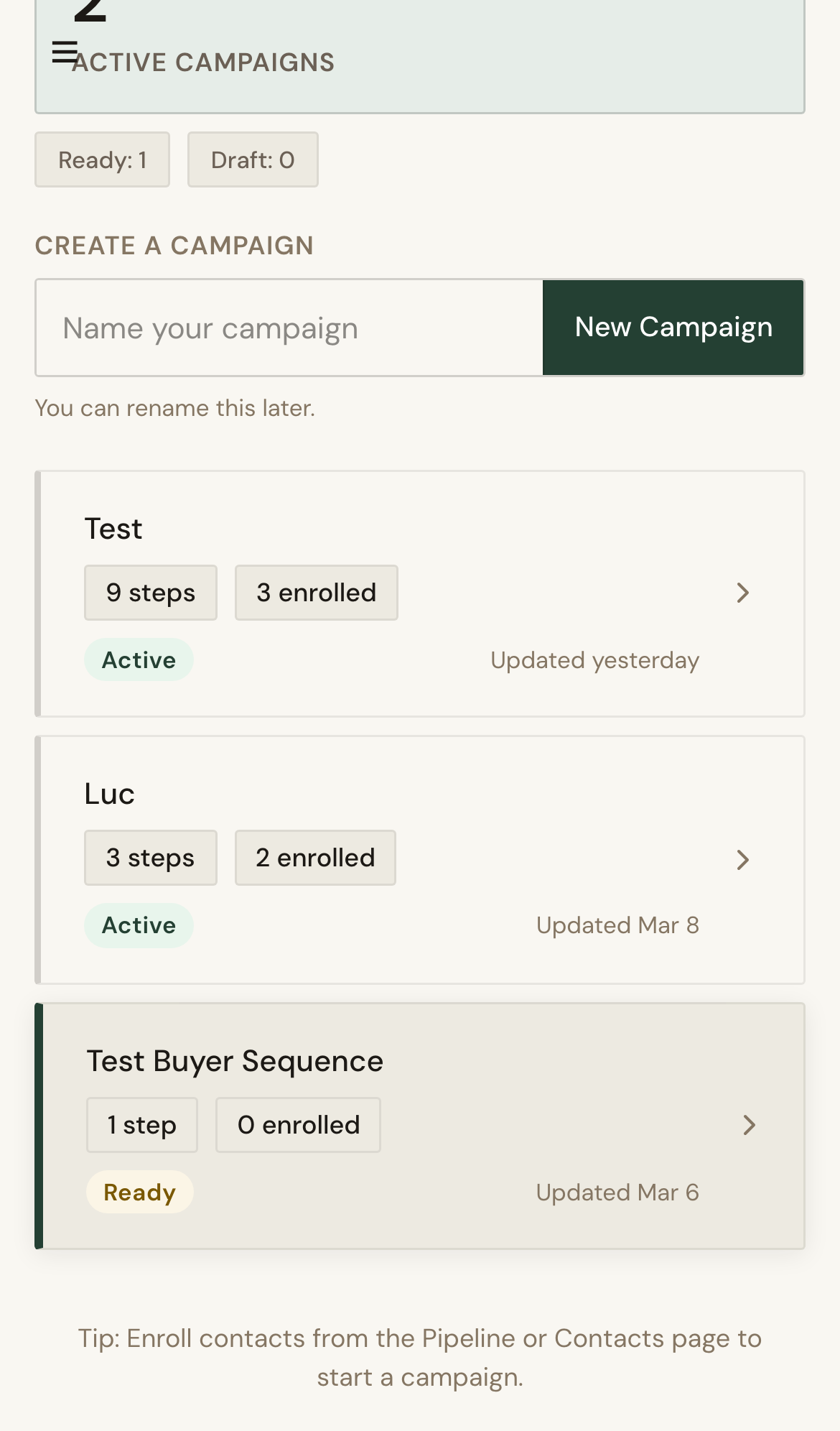
Mobile screenshot for Create a Drip Campaign: Add steps with channel and timing configuration.
mobile Add steps with channel and timing configuration.

Troubleshooting

  • If save fails, complete required step fields.
  • If compliance fails, revise blocked content and recheck.