Troubleshooting
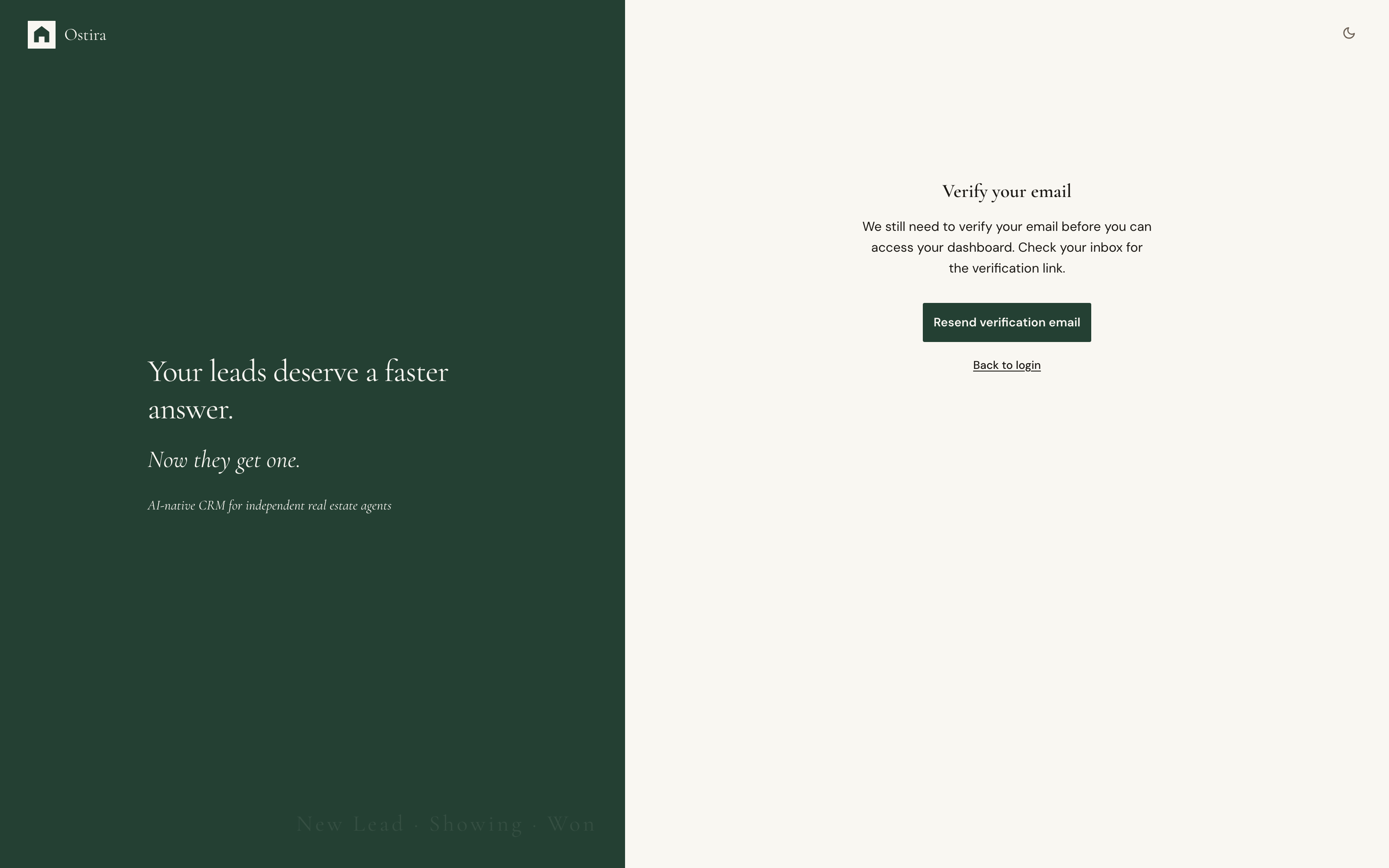
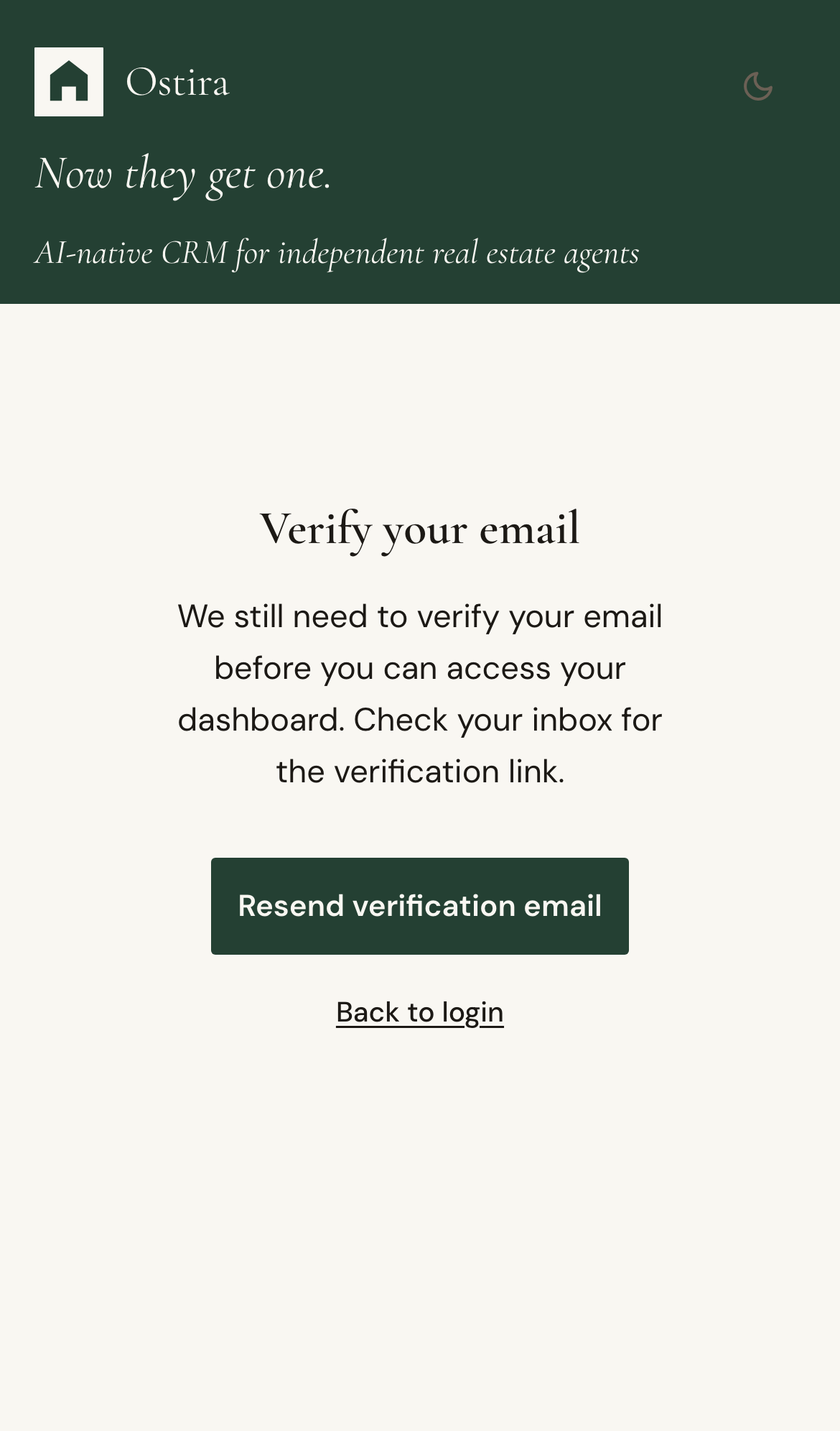
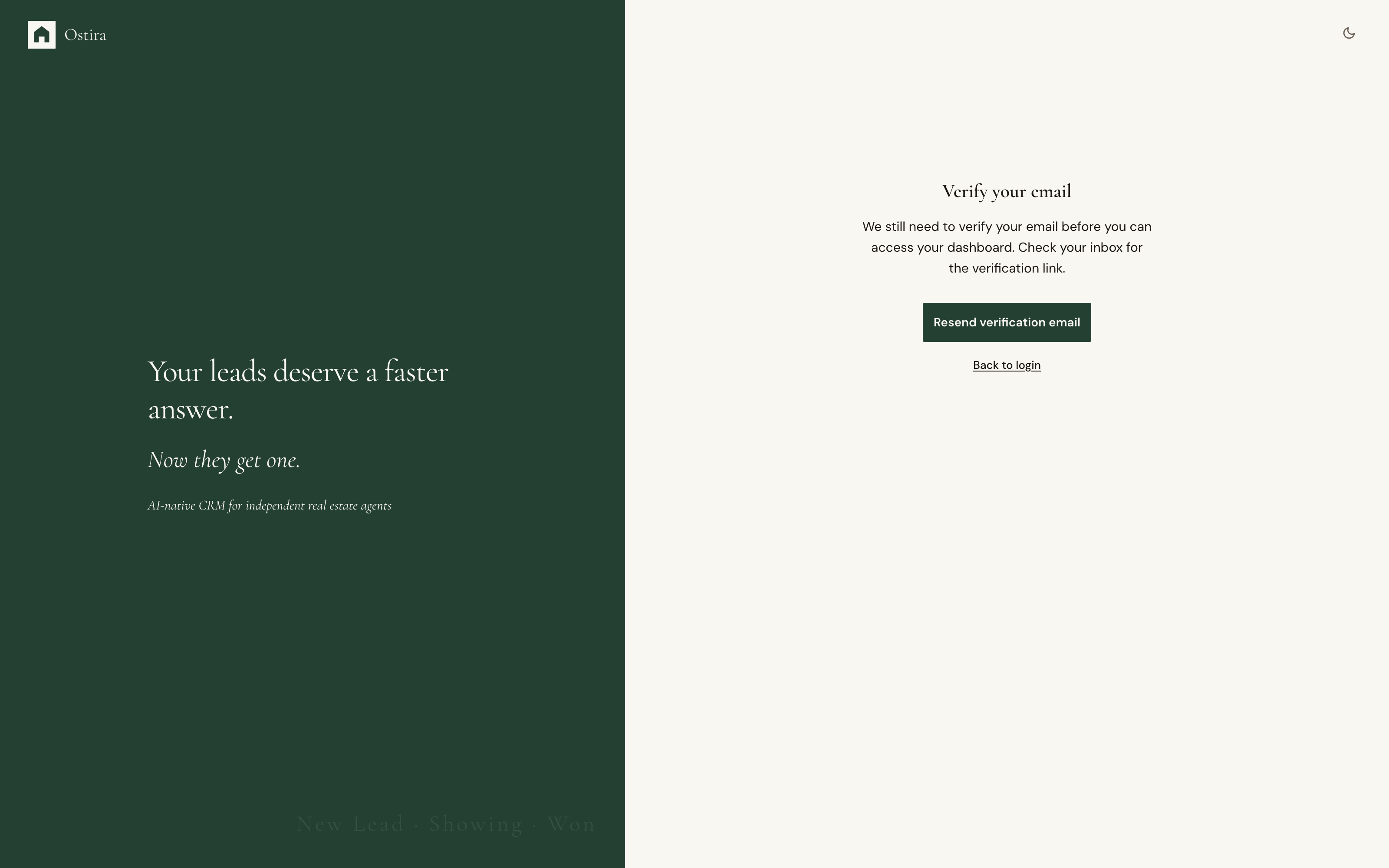
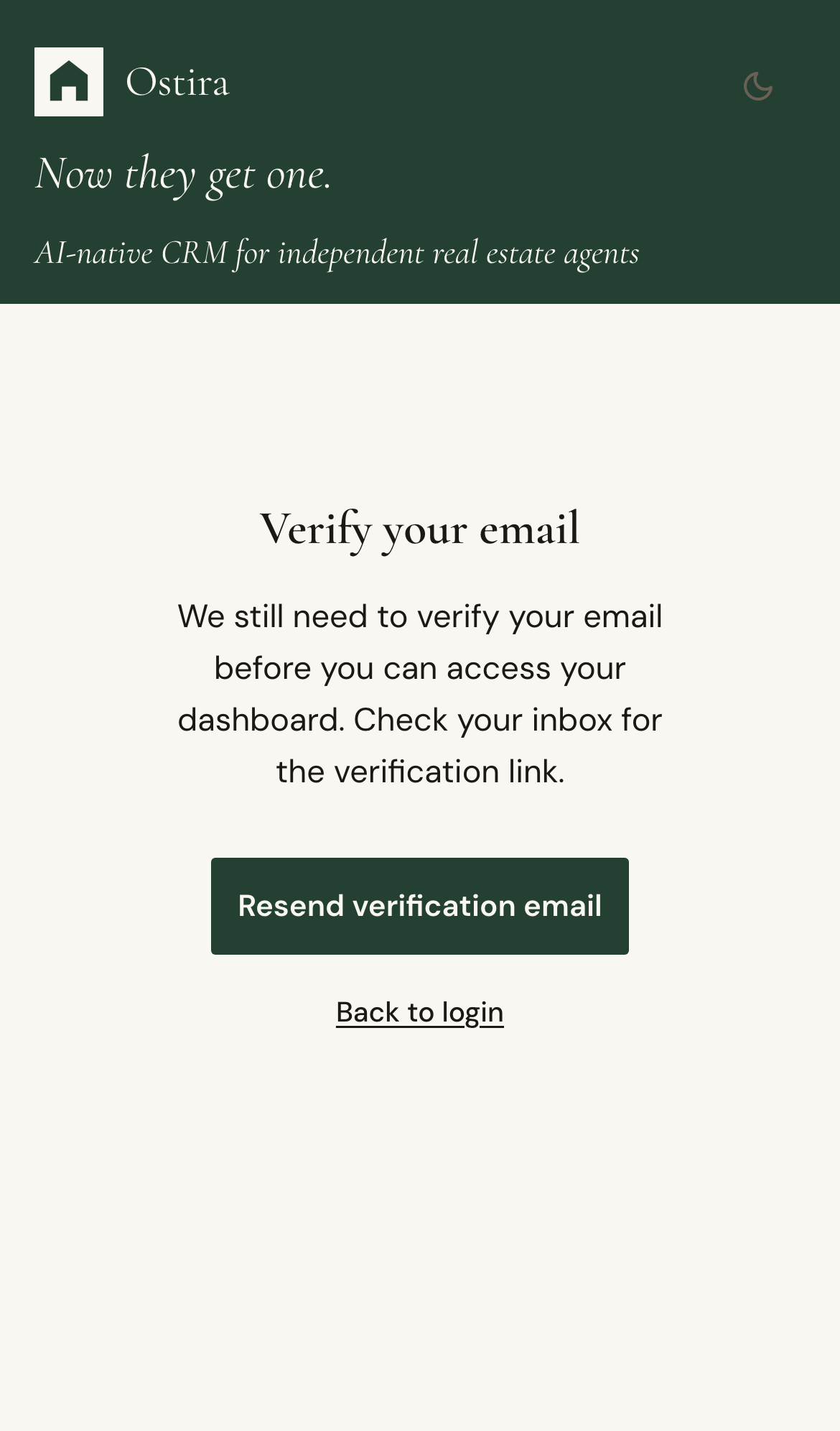
Email Verification Delays
Summary
Resolve delayed verification emails during onboarding or password reset.
Steps
- Check spam and promotions folders first.
- Confirm email address was entered correctly.
- Use resend once, then wait at least 60 seconds.
Expected Result
Verification email arrives and setup continues without creating a second account.
Screenshots
Visual reference aligned to each step with desktop and mobile variants.
Step 1
Step 2
Troubleshooting
- Retry from the latest verification screen.
- If retries keep failing, escalate with account email and timestamp.
Still blocked after following these steps?
Escalate Verification Issue