Daily Workflows
Enroll Contacts in a Campaign
Summary
Enroll selected contacts in active campaigns while automatically skipping opted-out records.
Steps
- Open a campaign and choose Enroll Contacts.
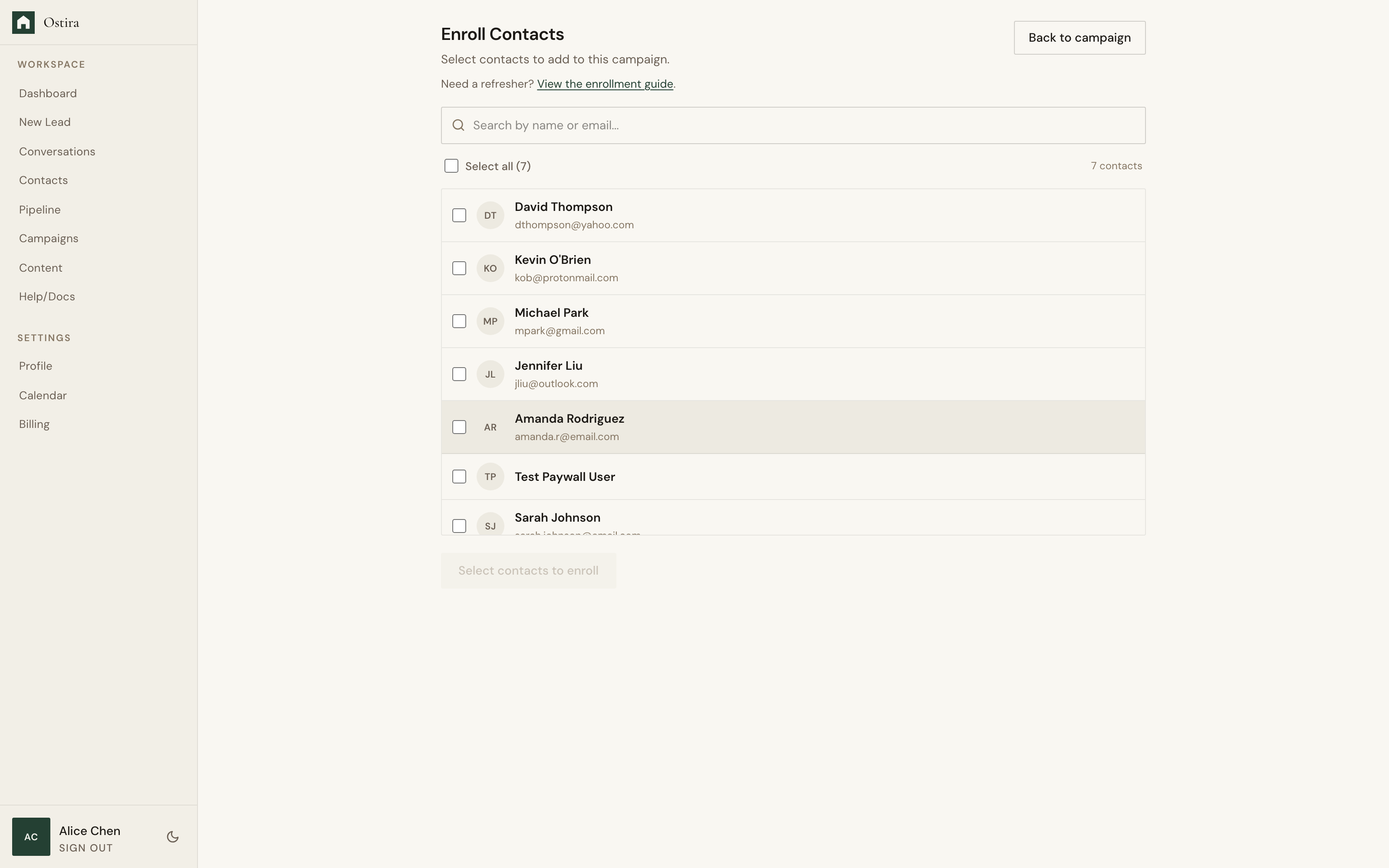
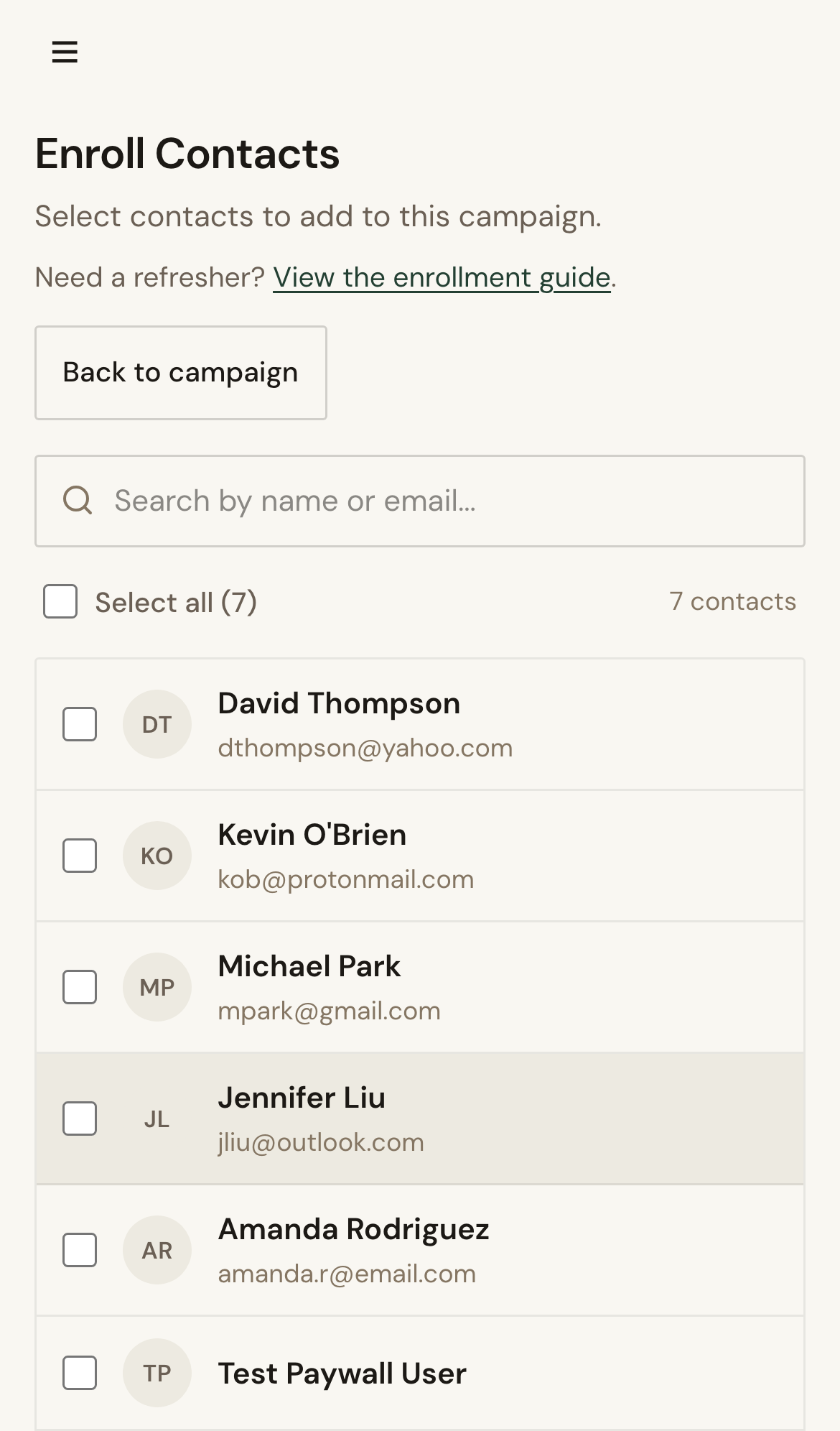
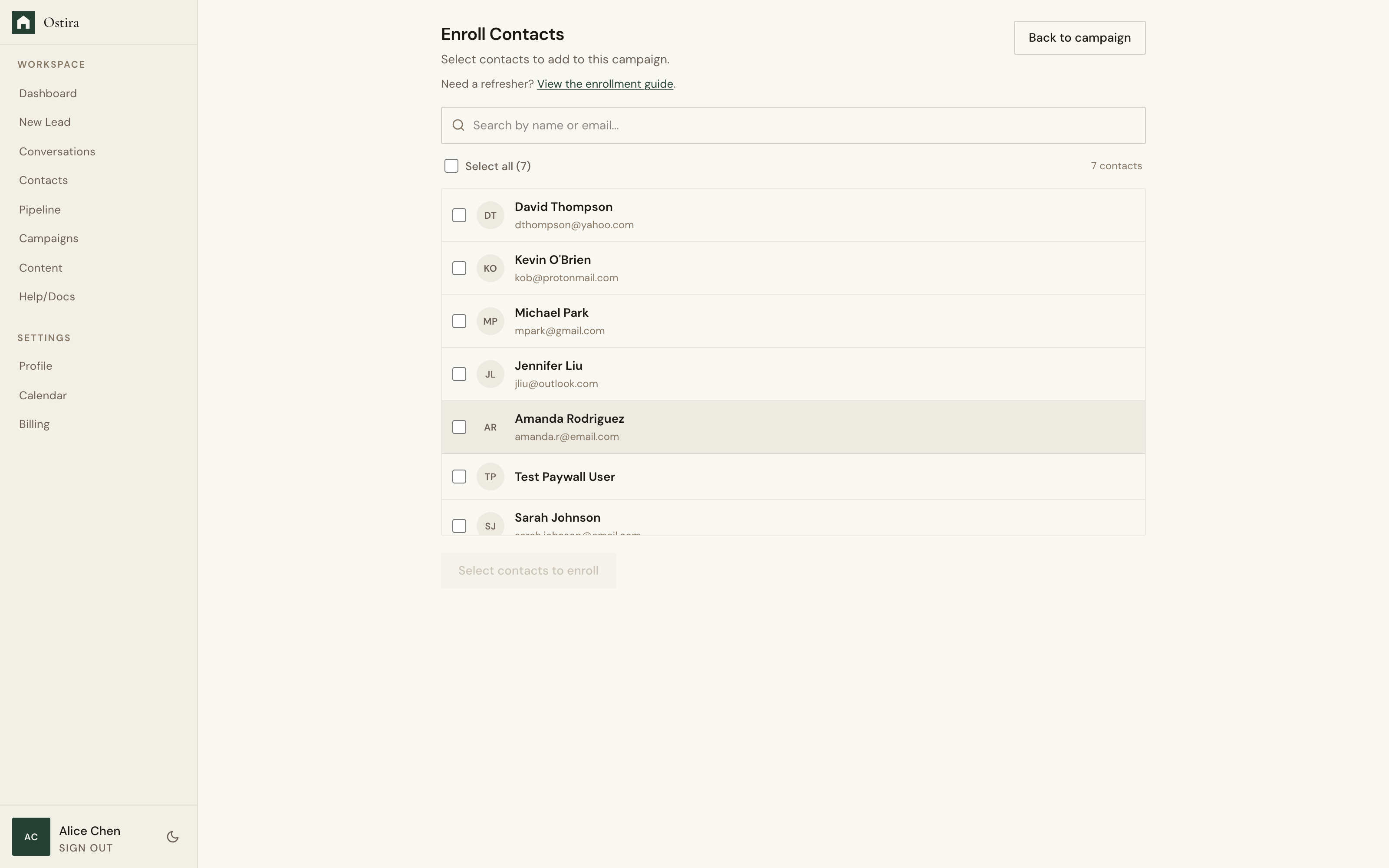
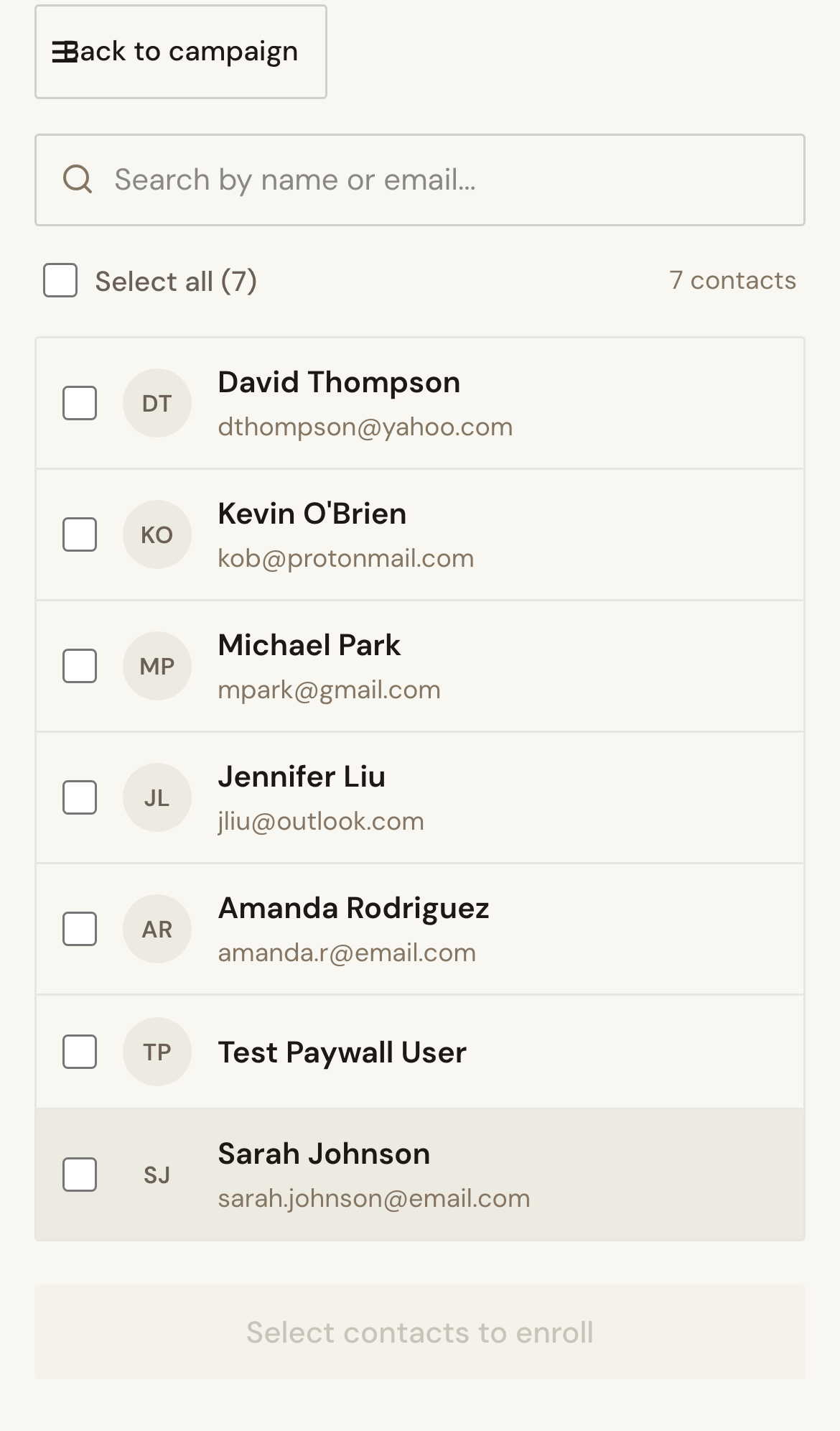
- Search or filter contacts, then select eligible records.
- Run enrollment and review enrolled vs skipped totals.
Expected Result
Eligible contacts are enrolled and opted-out contacts are excluded safely.
Screenshots
Visual reference aligned to each step with desktop and mobile variants.
Step 1
Step 2
Troubleshooting
- If no contacts appear, confirm records exist and refresh.
- If Enroll is disabled, select at least one eligible contact.
Tips & Tricks
- Start with a small segment before large enrollment batches.
- Use search to validate priority lead selection.