Reference
Do Not Contact Behavior
Summary
Understand how do-not-contact settings affect messaging, enrollments, and compliance behavior.
Steps
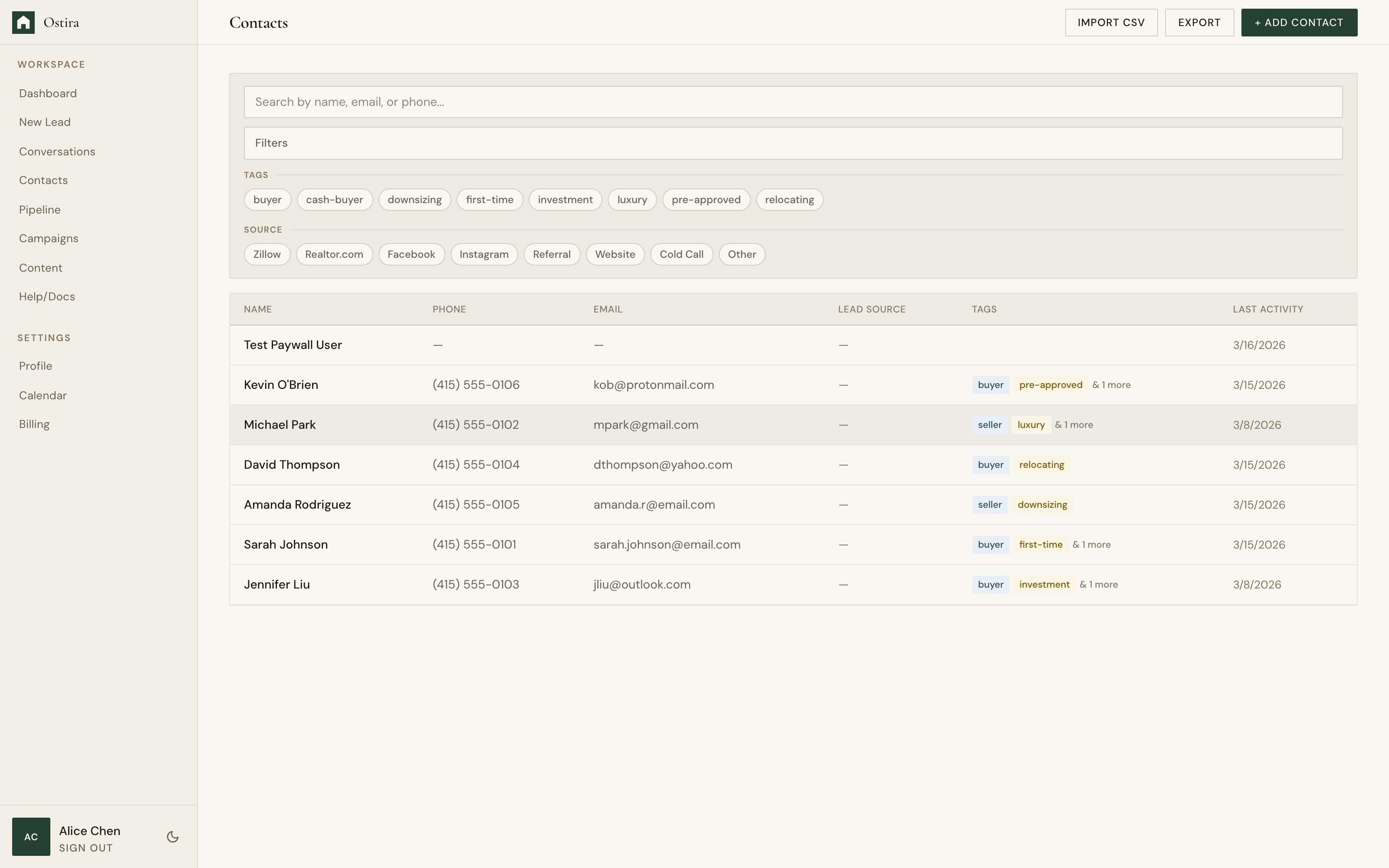
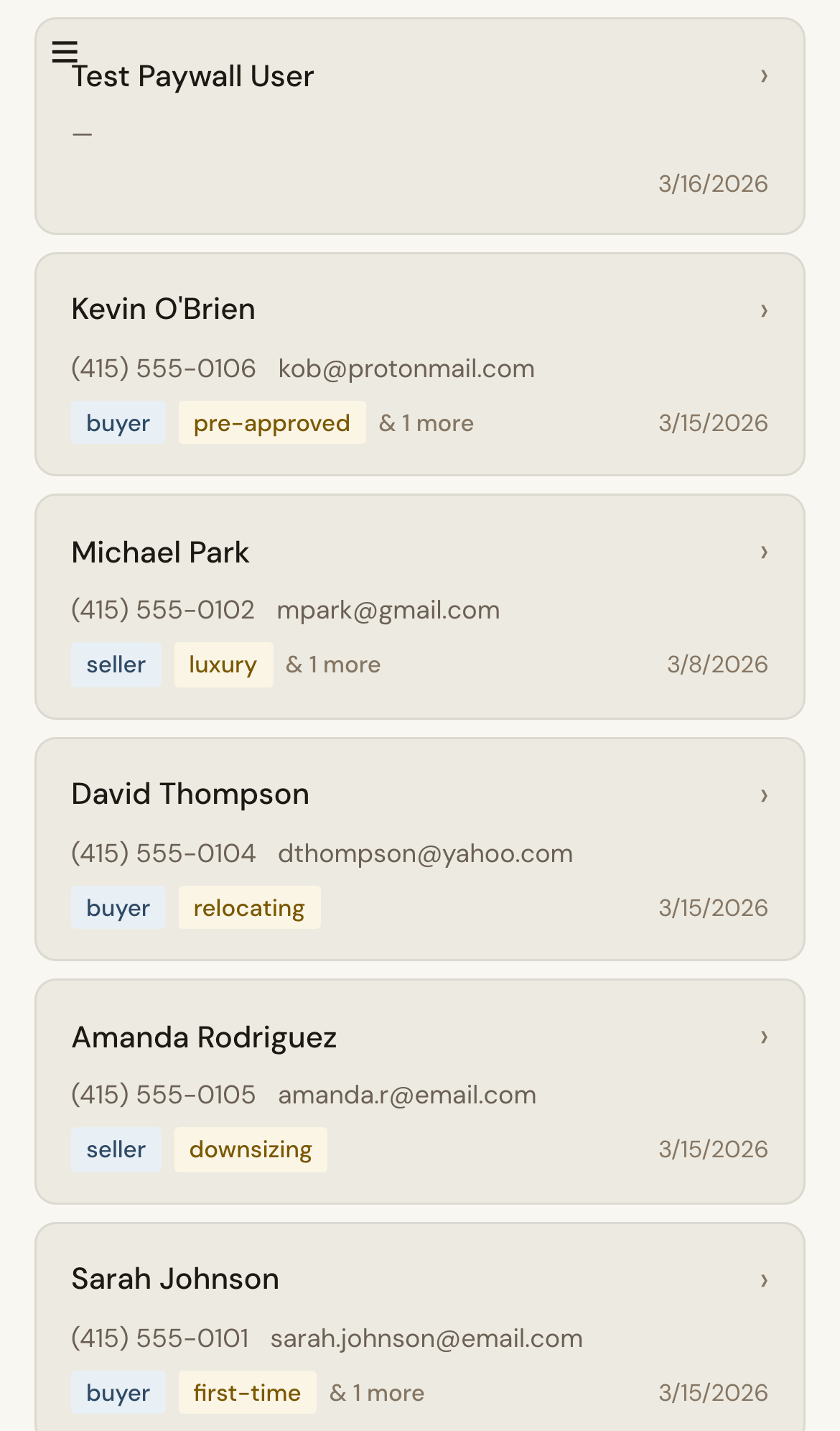
- Mark a contact as Do Not Contact.
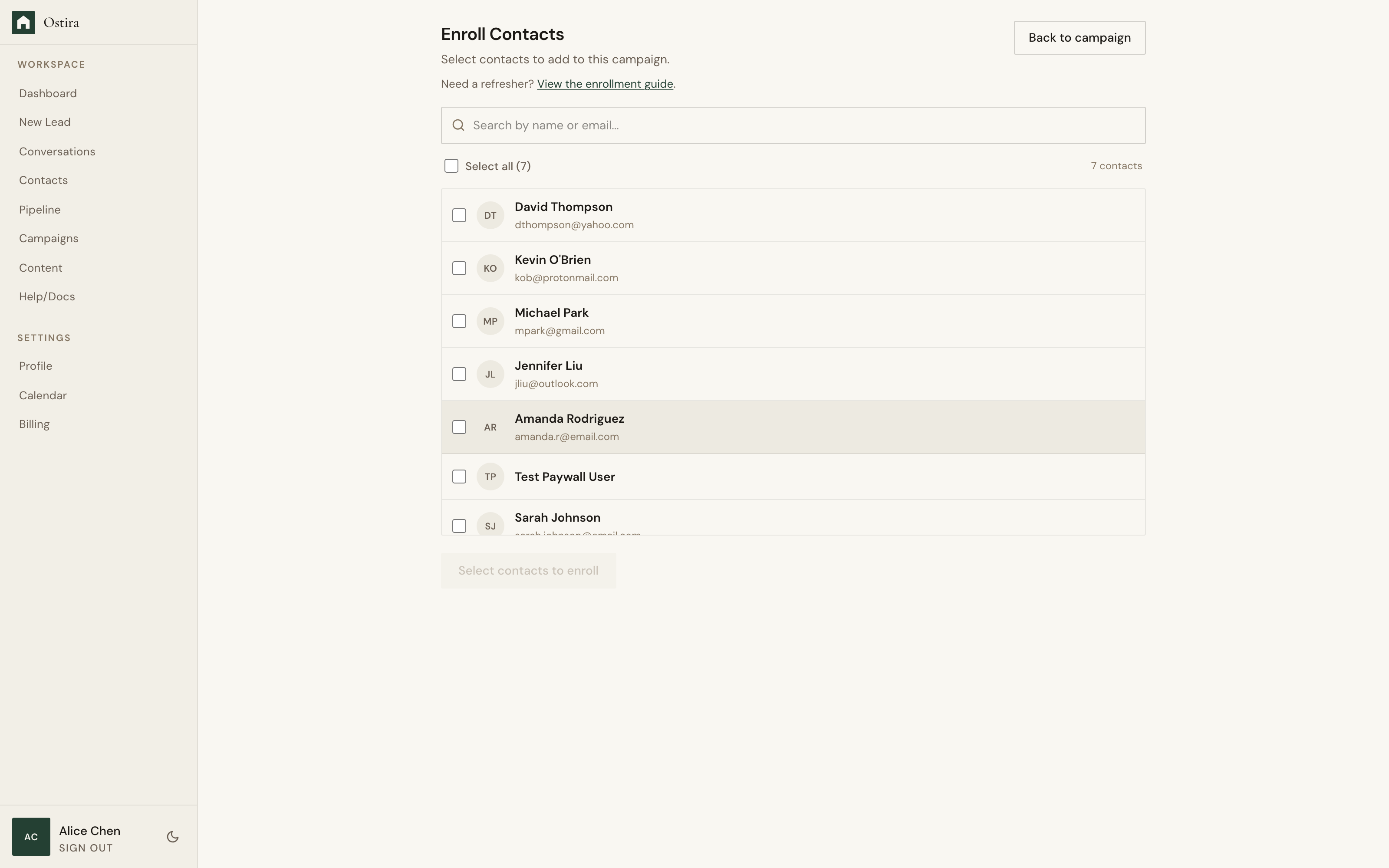
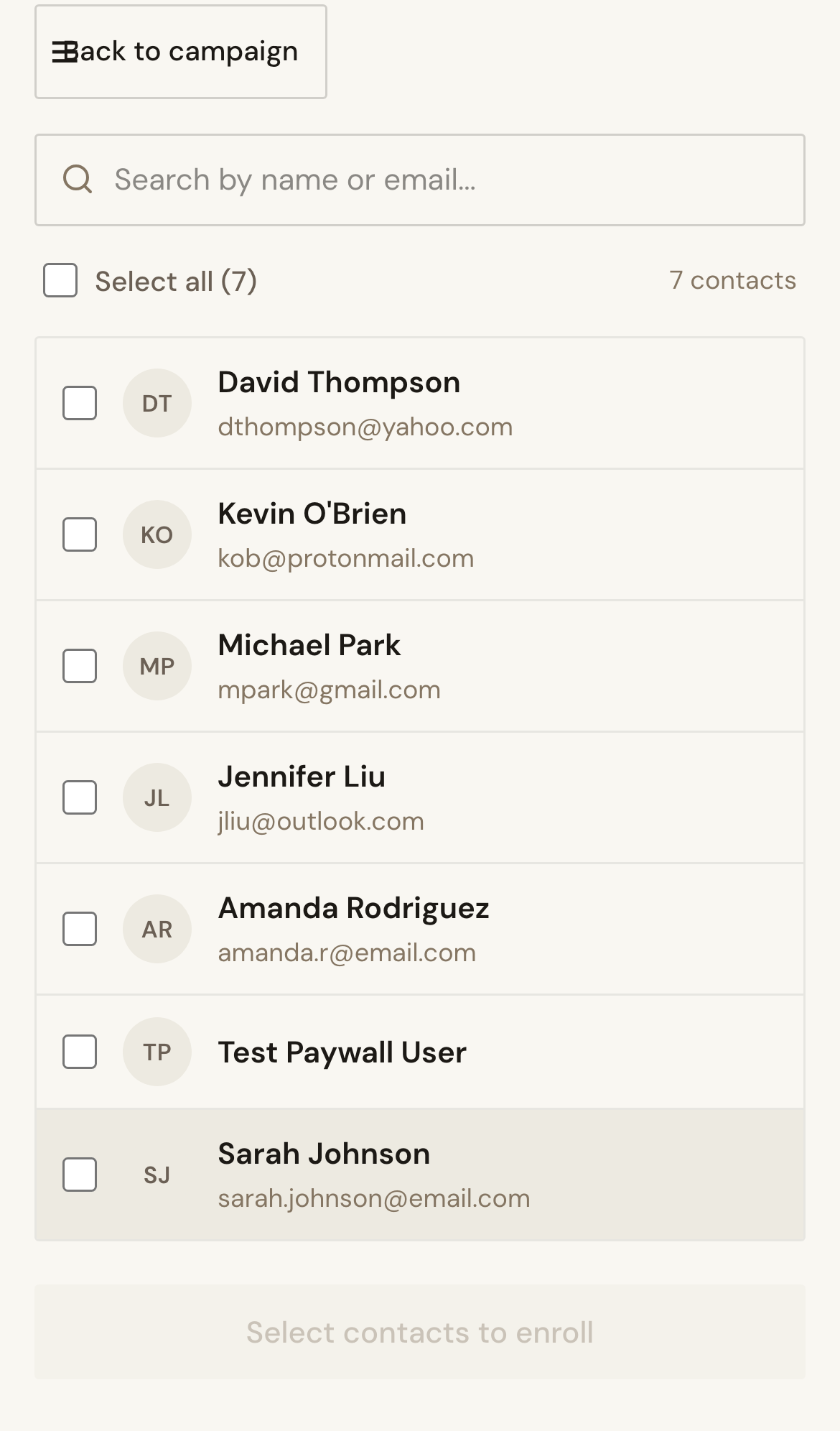
- Review campaign and messaging behavior for that contact.
- Confirm opted-out contacts are excluded from outreach.
Expected Result
Opted-out contacts are protected across all outreach workflows.
Screenshots
Visual reference aligned to each step with desktop and mobile variants.
Step 1
Step 2
Troubleshooting
- If opted-out contacts receive outreach, pause enrollments and escalate immediately.
- If skips seem unexpected, verify contact-level opt-out flags.