Troubleshooting
Why Aren't Leads Appearing?
Summary
Diagnose why new lead records are not showing in Contacts or workflow screens.
Steps
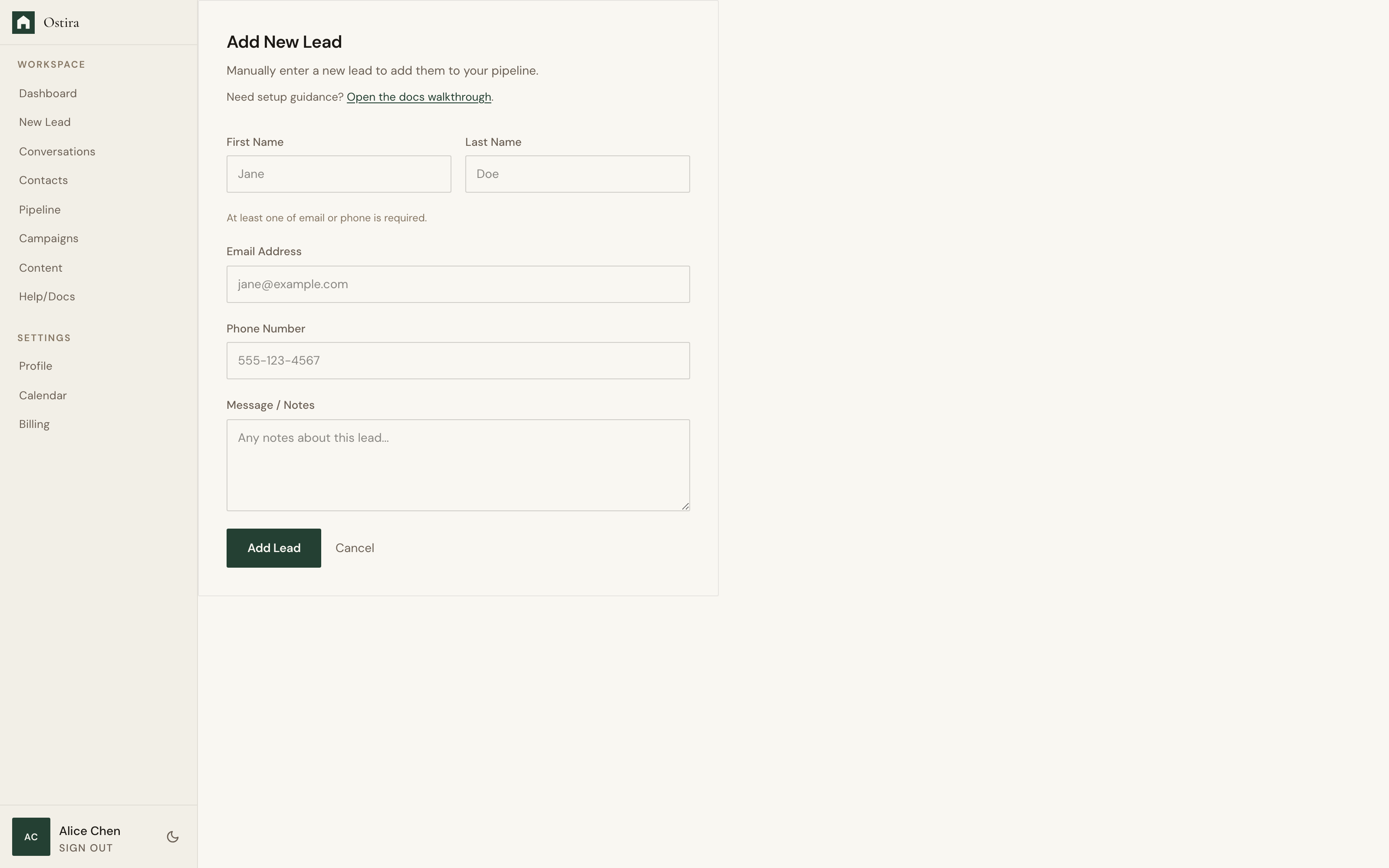
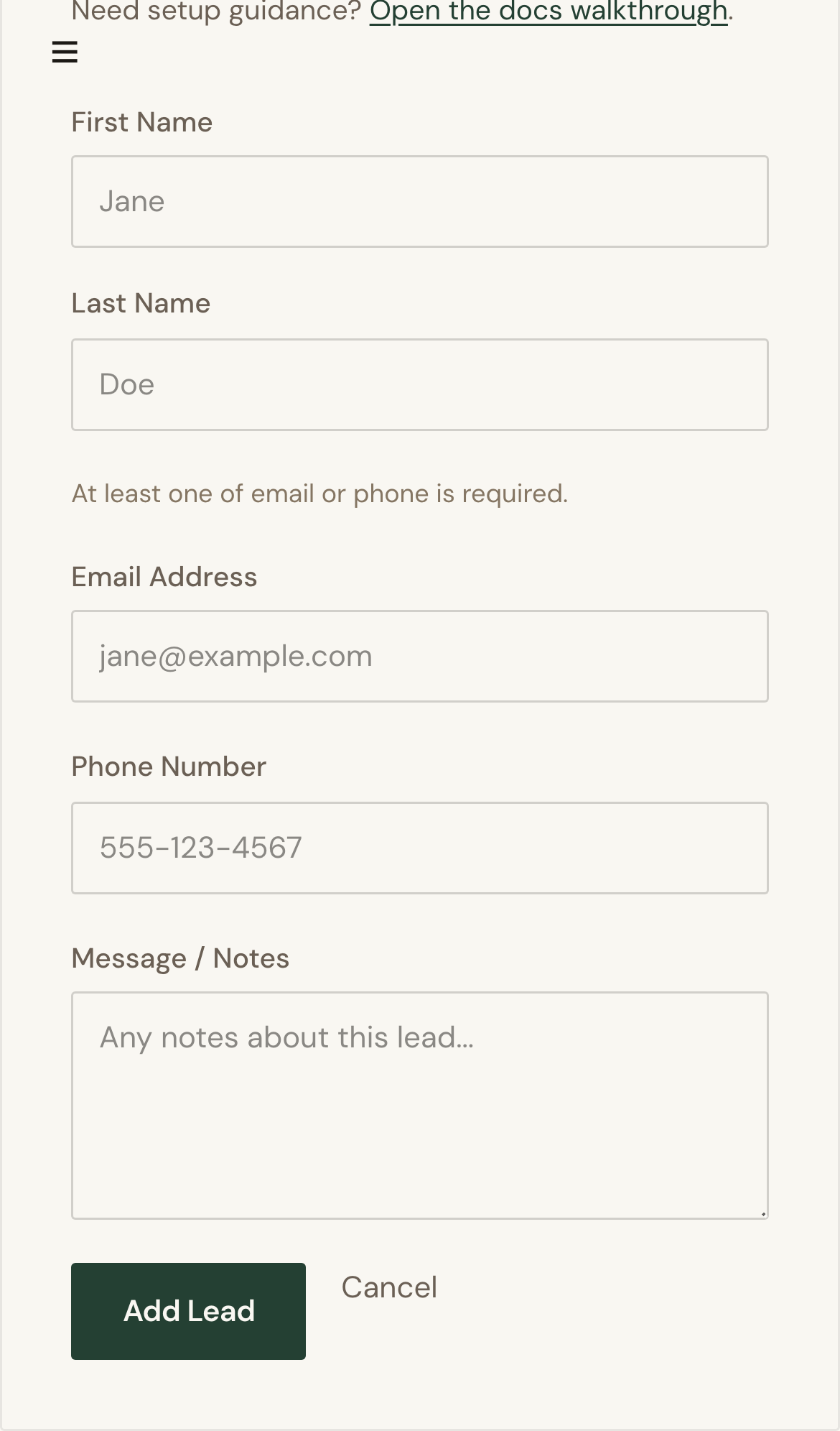
- Confirm lead submission returned a success state.
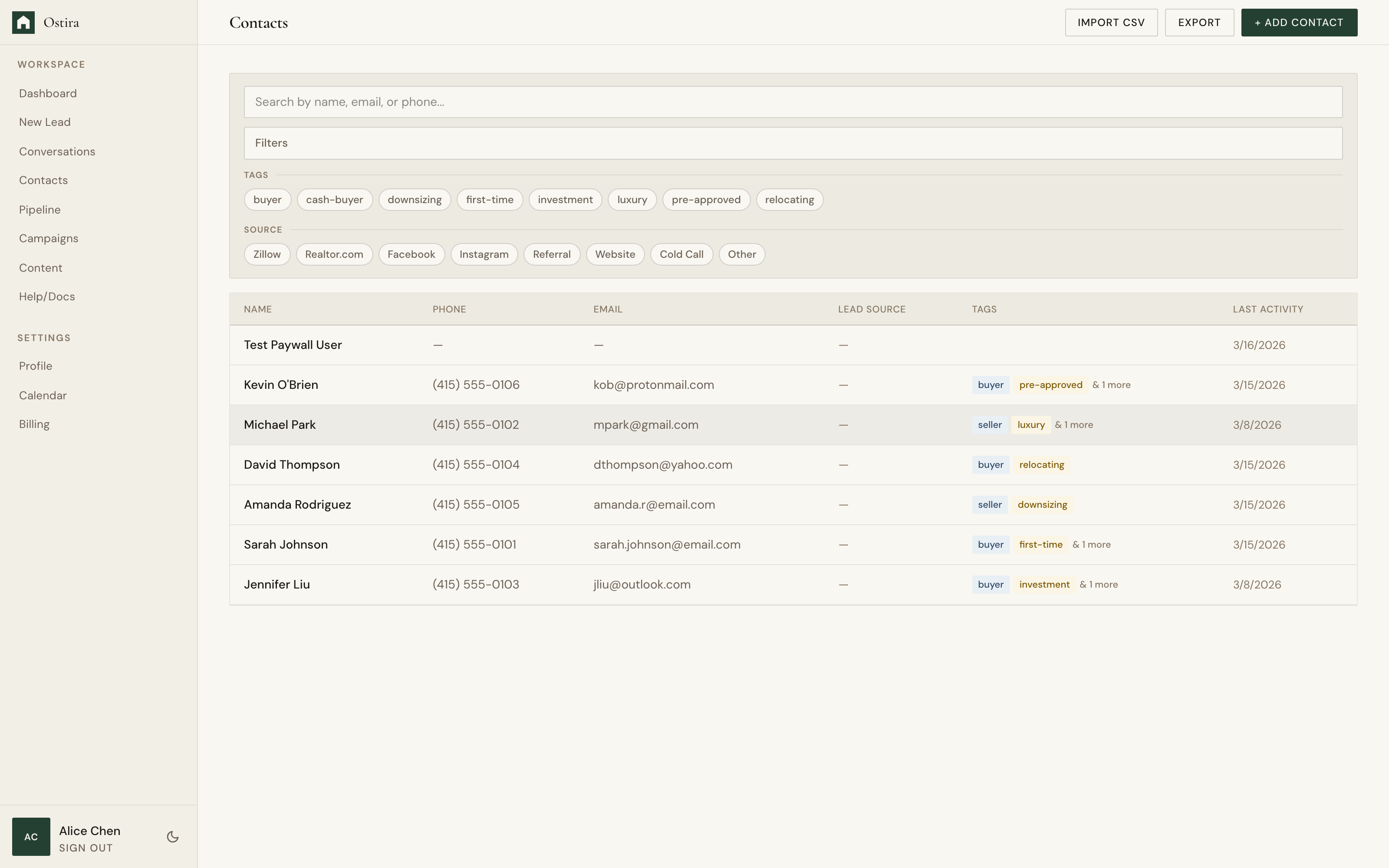
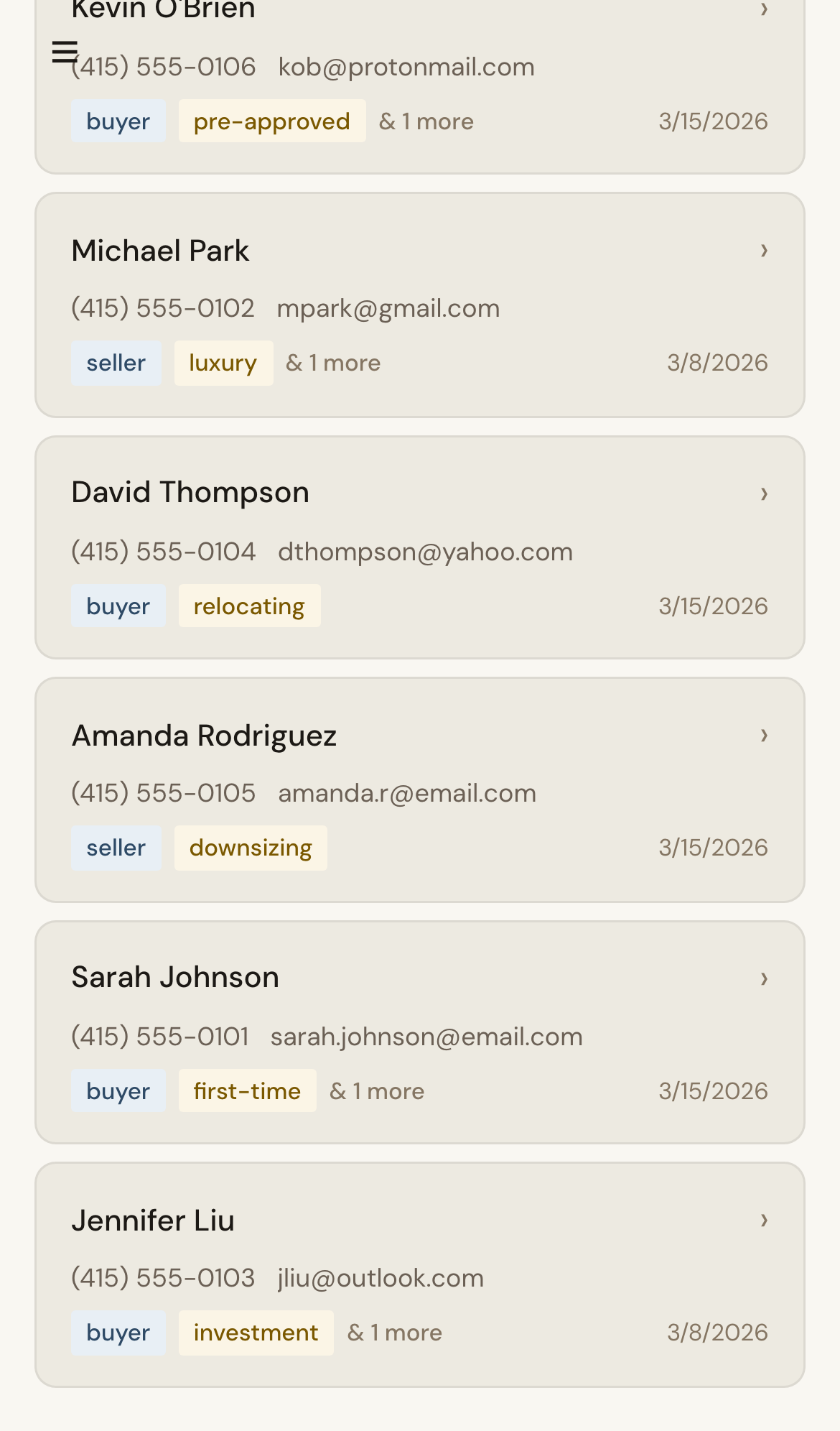
- Refresh Contacts and verify filters are not hiding records.
- Review recent import or deduplication outcomes.
Expected Result
You isolate whether the issue is submission failure, filtering, or delayed sync.
Screenshots
Visual reference aligned to each step with desktop and mobile variants.
Step 1
Step 2
Troubleshooting
- Validate required contact fields in the original submission.
- If imports were recent, wait briefly and reload.
Still blocked after following these steps?
Contact Support