Daily Workflows

Manage Your Pipeline Board

Summary

Track deal progress by moving cards through stages and maintaining a clear board structure.

Steps

  1. Open Pipeline and review stages and totals.
  2. Move deals to the correct stage as progress changes.
  3. Update stage names or order when process changes.

Expected Result

Pipeline reflects real progress and highlights next follow-up priorities.

Screenshots

Visual reference aligned to each step with desktop and mobile variants.

Step 1
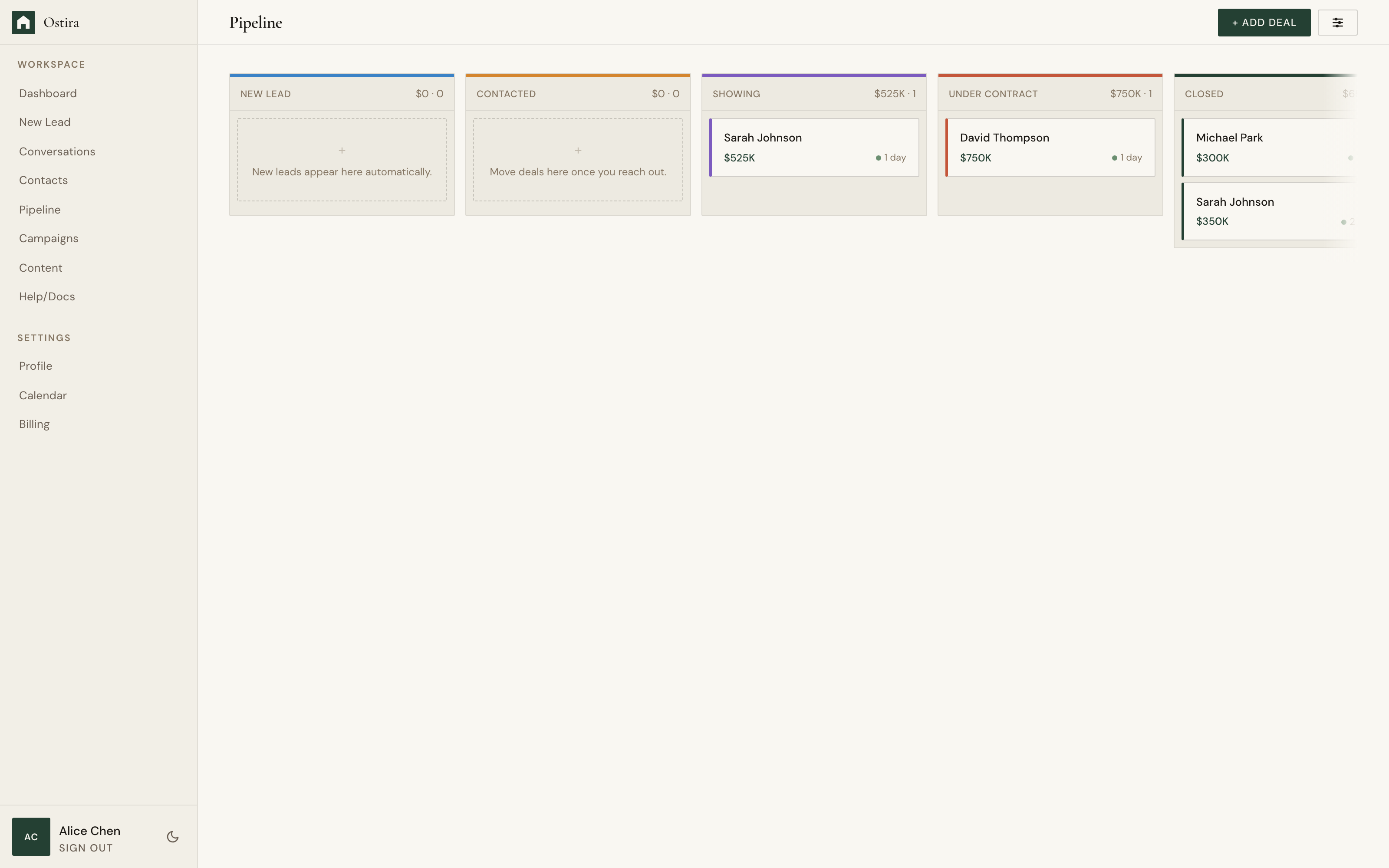
Desktop screenshot for Manage Your Pipeline Board: Open Pipeline and review stages and totals.
desktop Open Pipeline and review stages and totals.
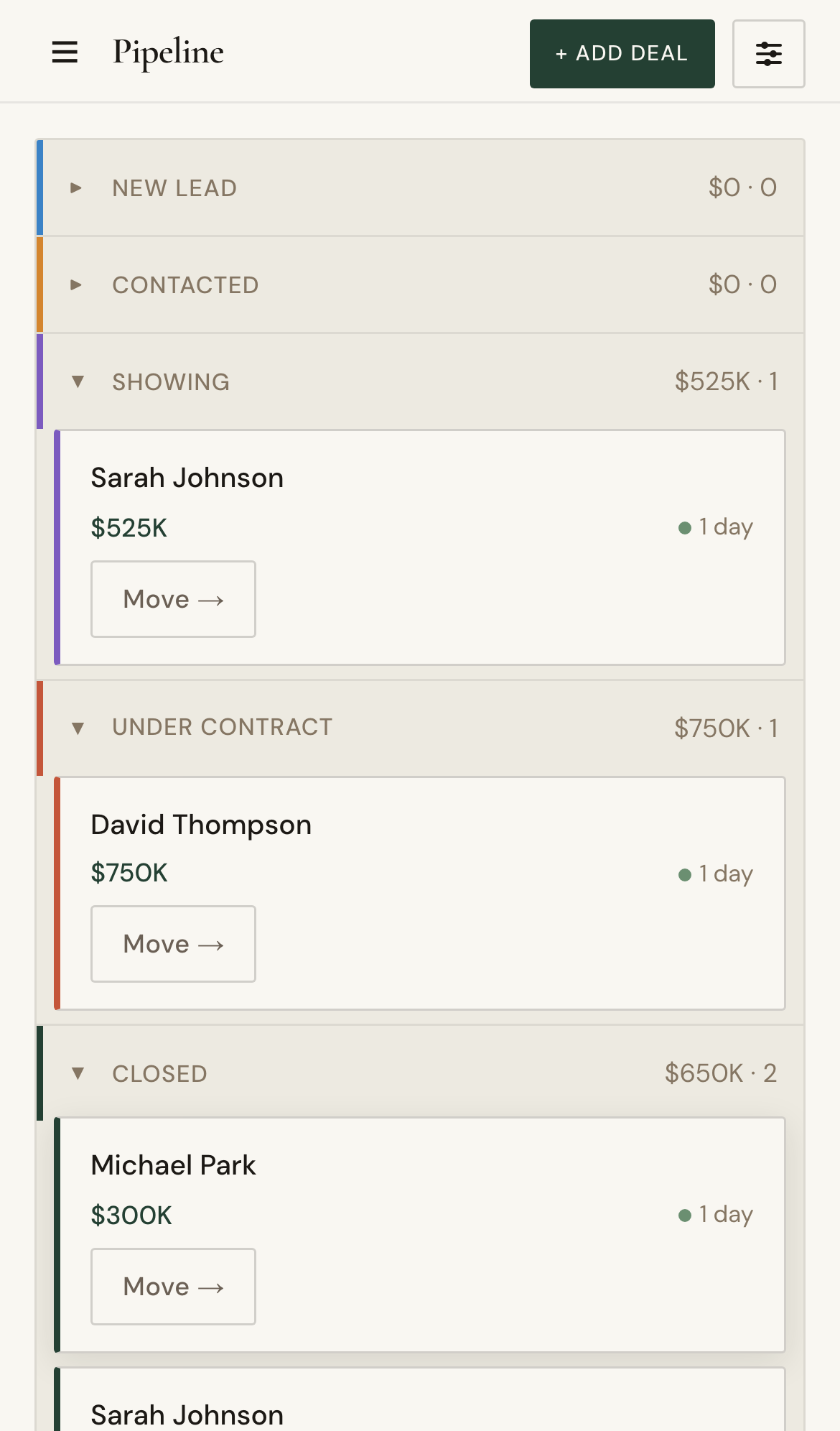
Mobile screenshot for Manage Your Pipeline Board: Open Pipeline and review stages and totals.
mobile Open Pipeline and review stages and totals.

Step 2

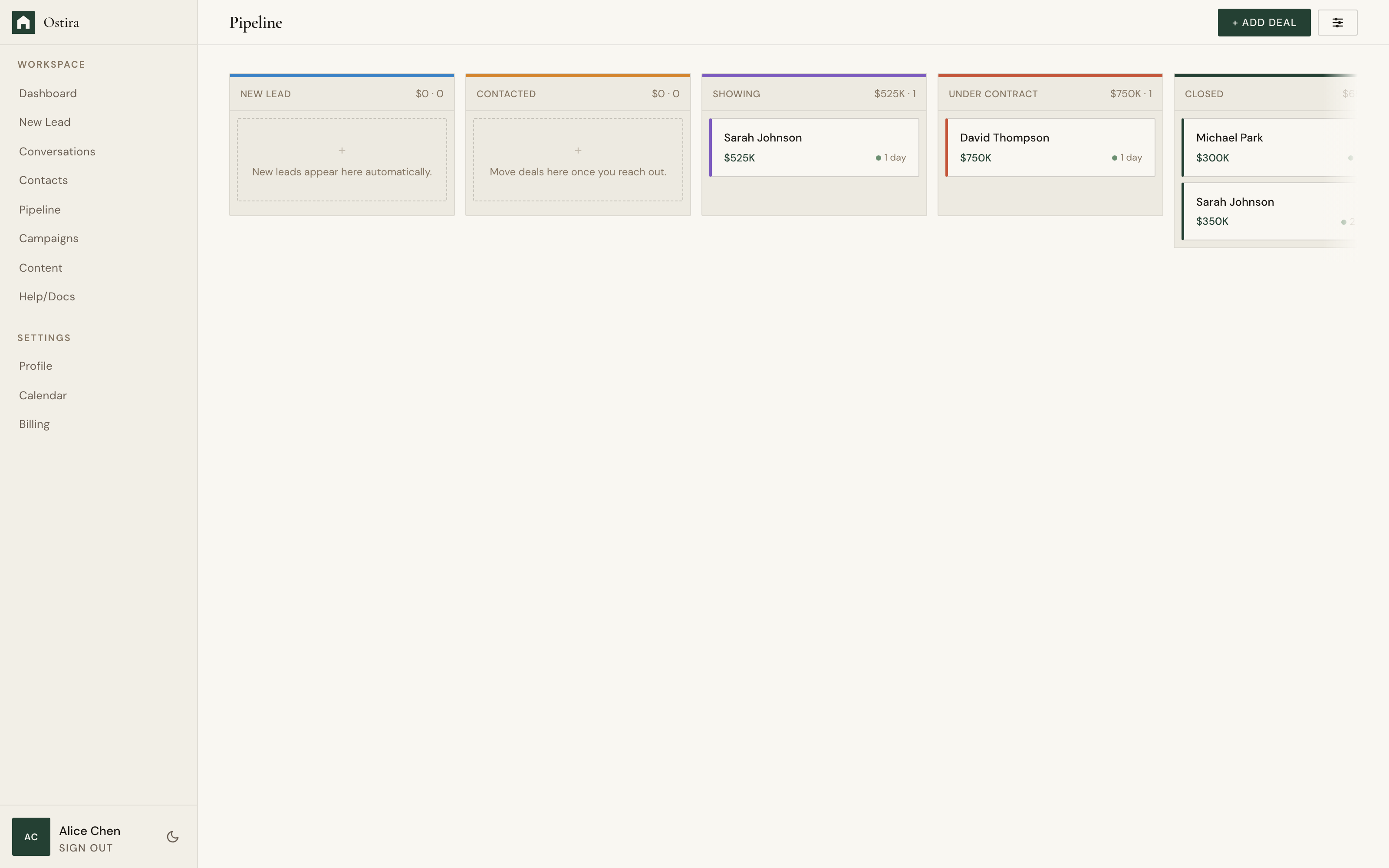
Desktop screenshot for Manage Your Pipeline Board: Move deals to the correct stage as progress changes.
desktop Move deals to the correct stage as progress changes.
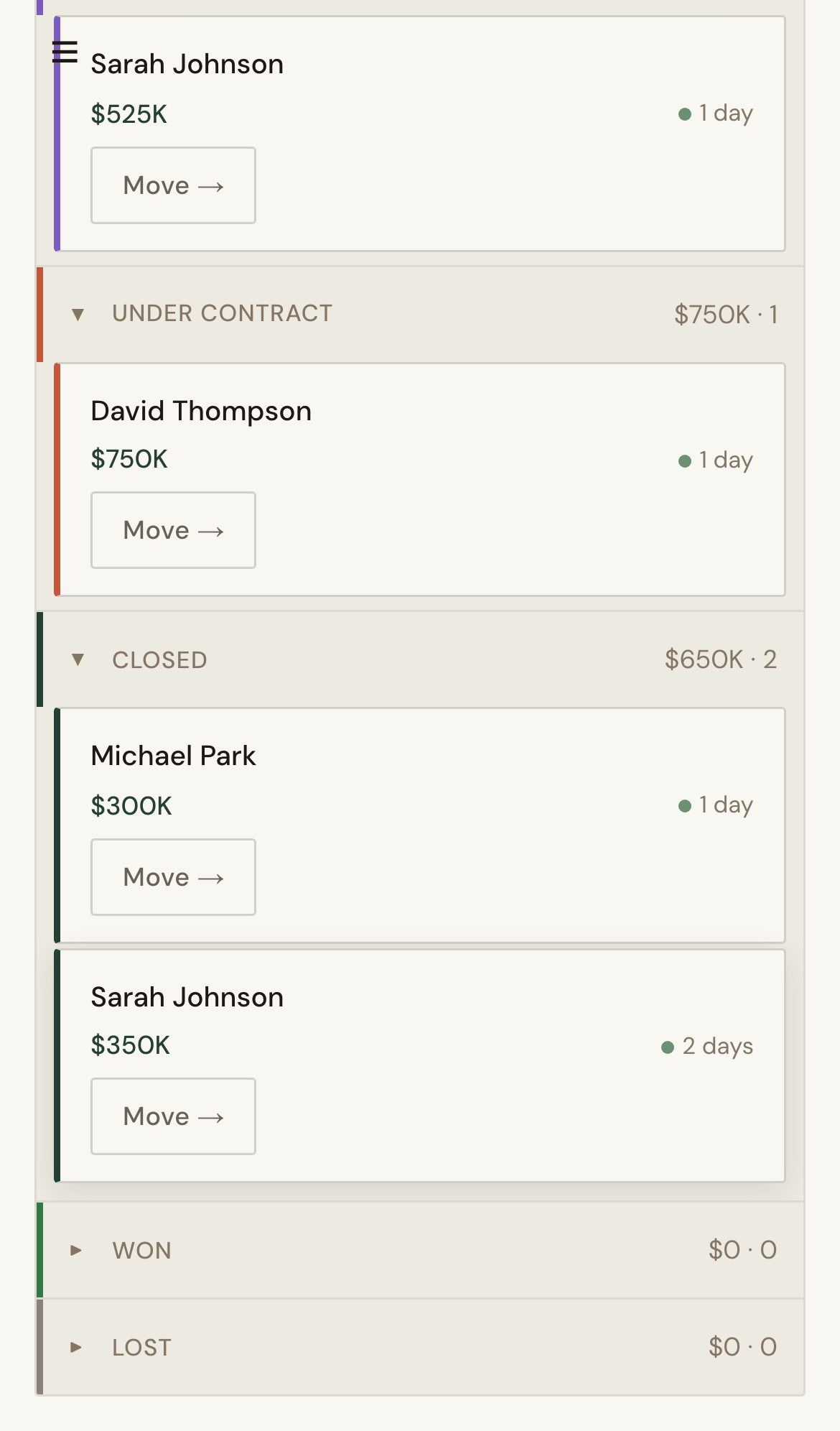
Mobile screenshot for Manage Your Pipeline Board: Move deals to the correct stage as progress changes.
mobile Move deals to the correct stage as progress changes.

Troubleshooting

  • If moves do not persist, retry after refresh.
  • If stage order appears wrong, re-open board after reorder.