Getting Started
Sign In to Your Account
Summary
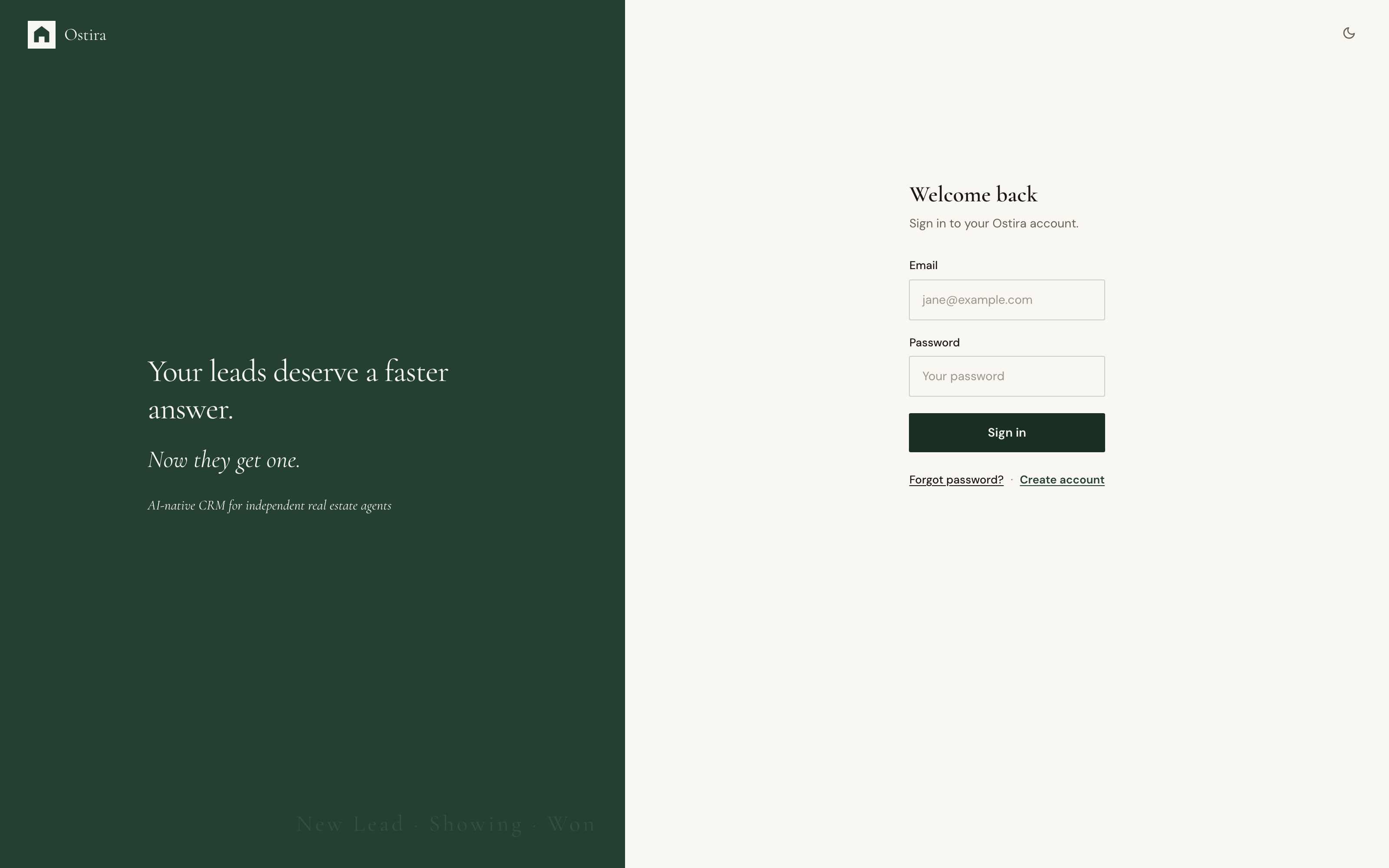
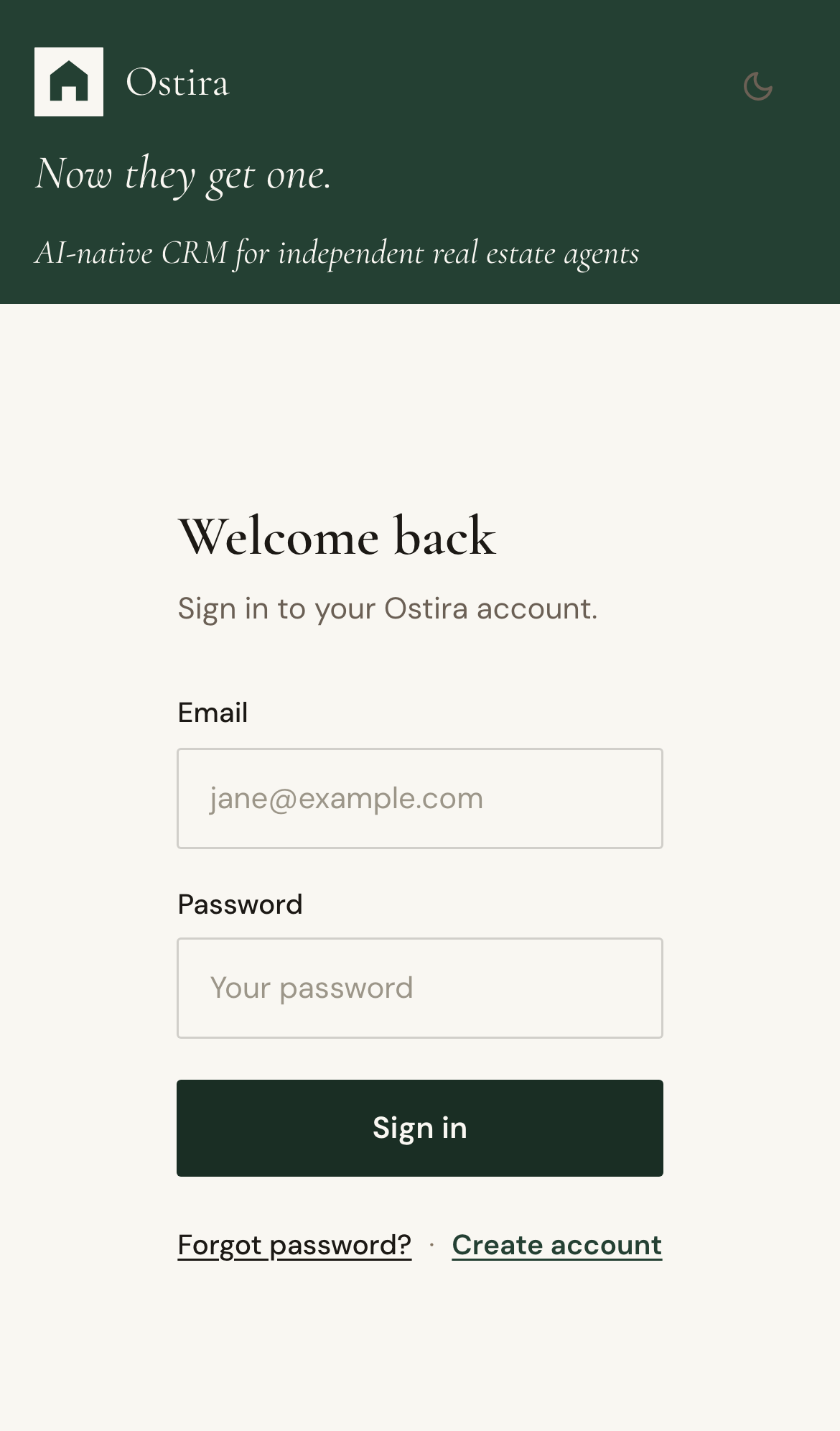
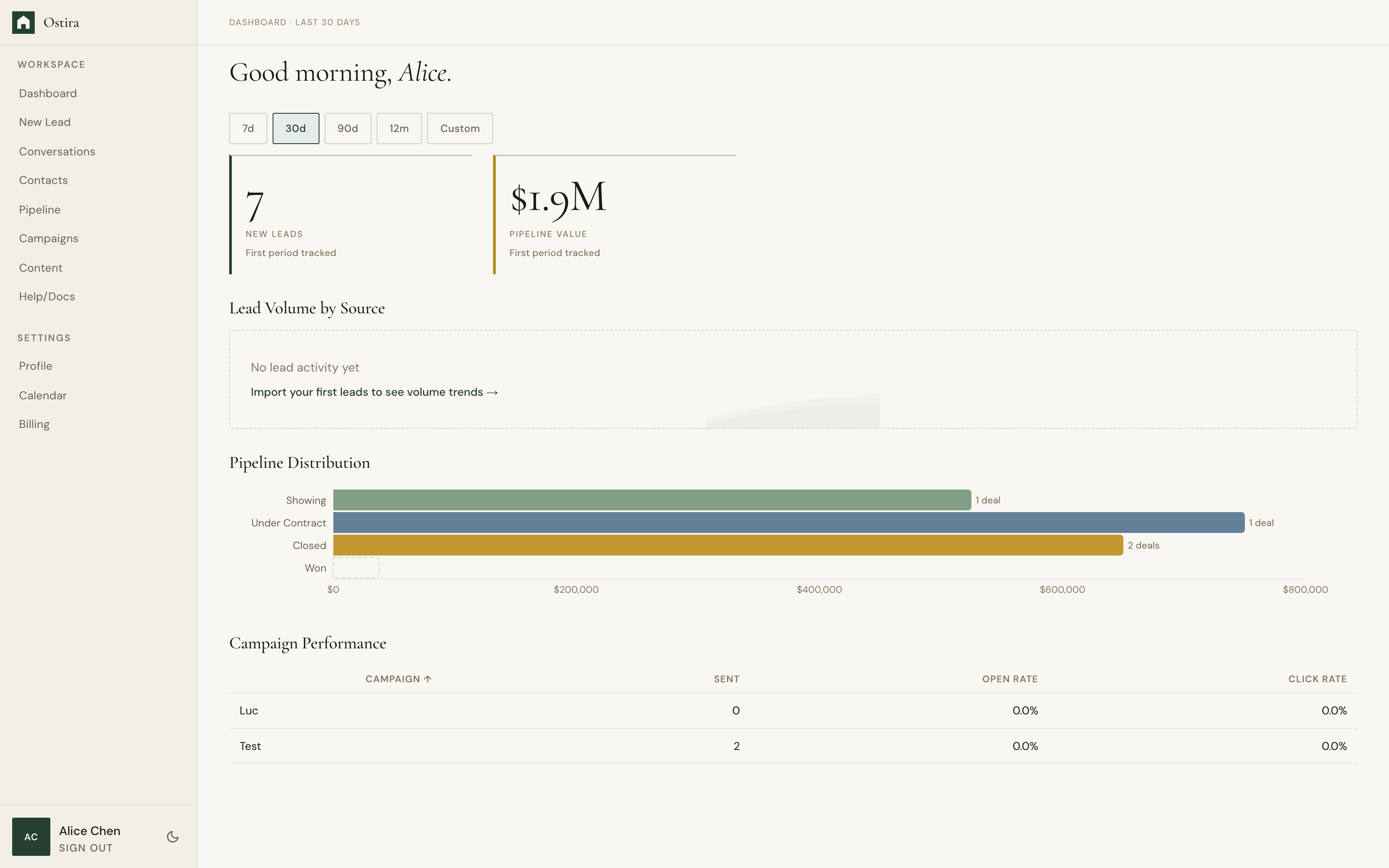
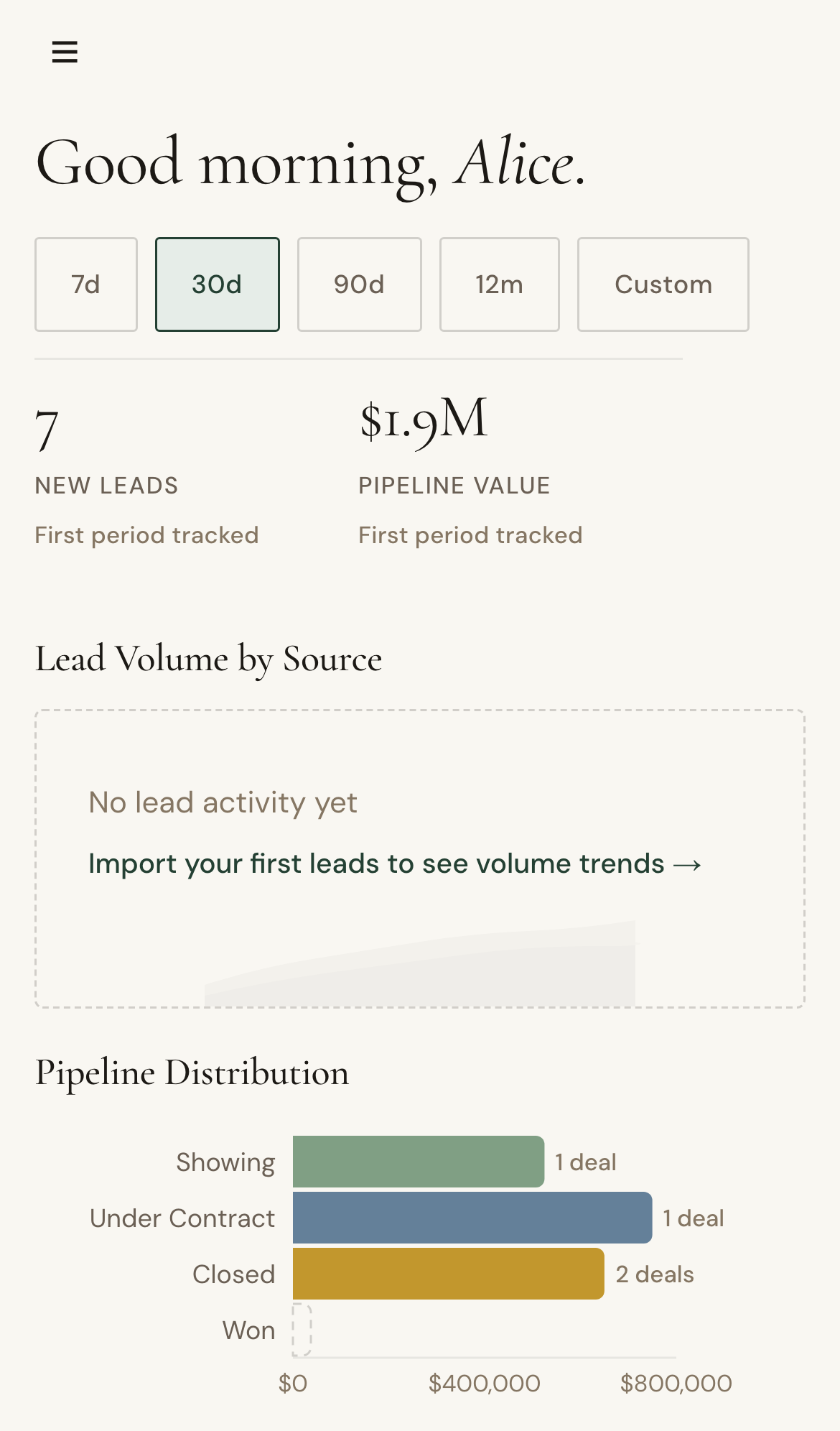
Sign in with your credentials to access dashboard, contacts, campaigns, and settings.
Steps
- Open the Login page.
- Enter your email and password.
- Select Sign in to enter your dashboard.
Expected Result
You are authenticated and redirected into your workspace.
Screenshots
Visual reference aligned to each step with desktop and mobile variants.
Step 1
Step 2
Troubleshooting
- If login fails, verify credentials and retry.
- If attempts are throttled, wait briefly or reset your password.