Daily Workflows
Manage Content Library
Summary
Maintain a clean library by editing, filtering, publishing, archiving, or removing content assets.
Steps
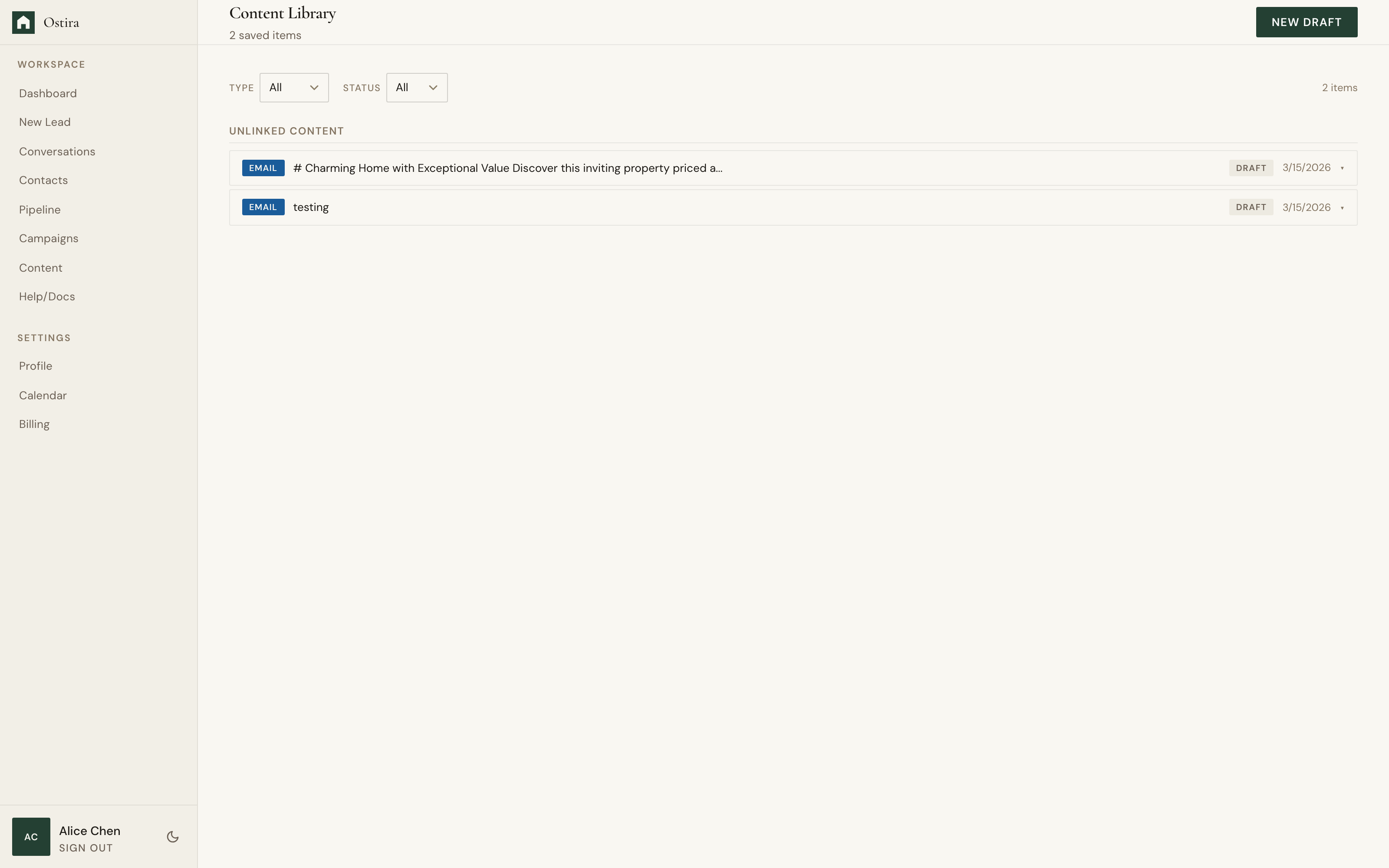
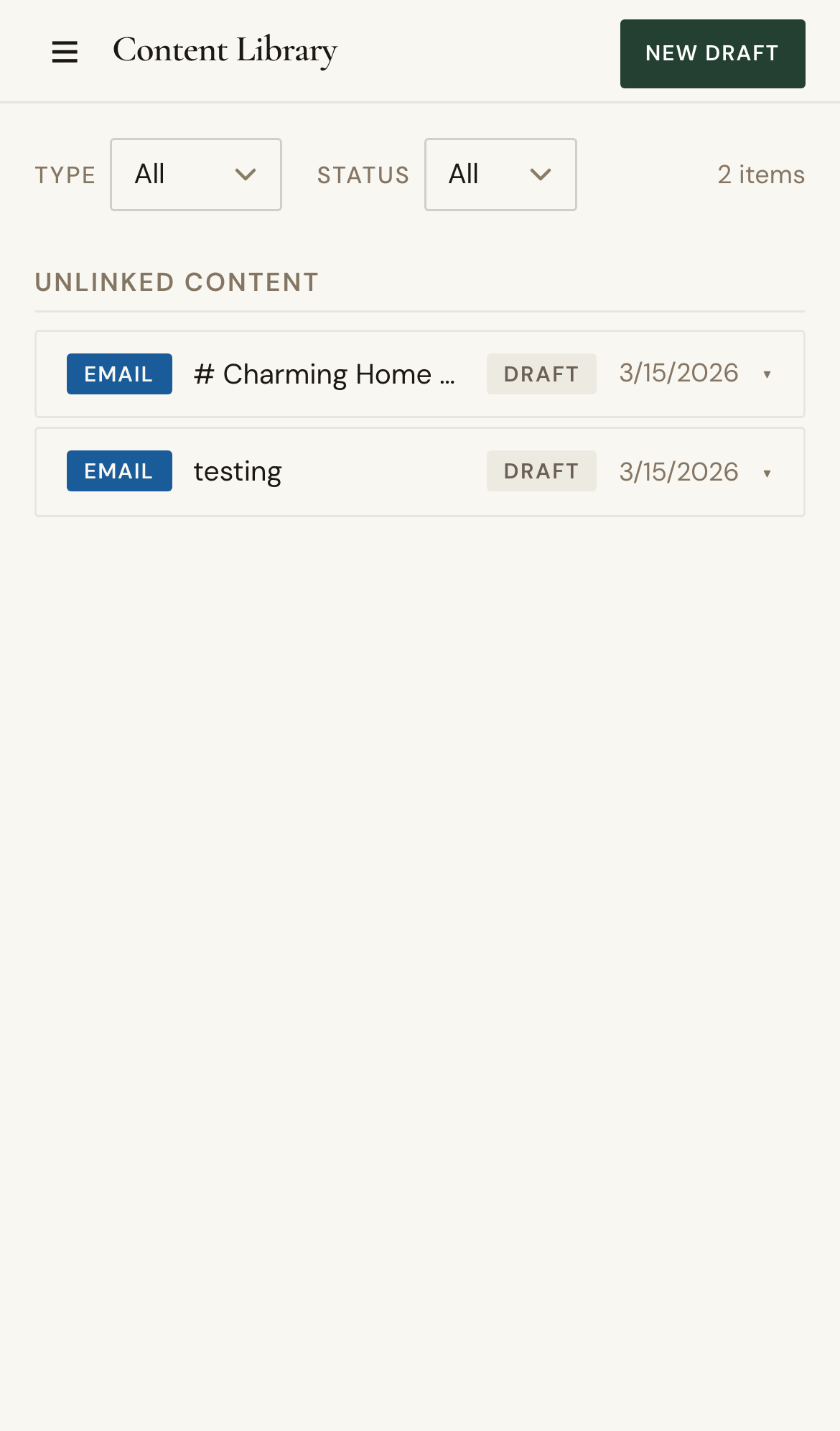
- Open Content and filter by type or status.
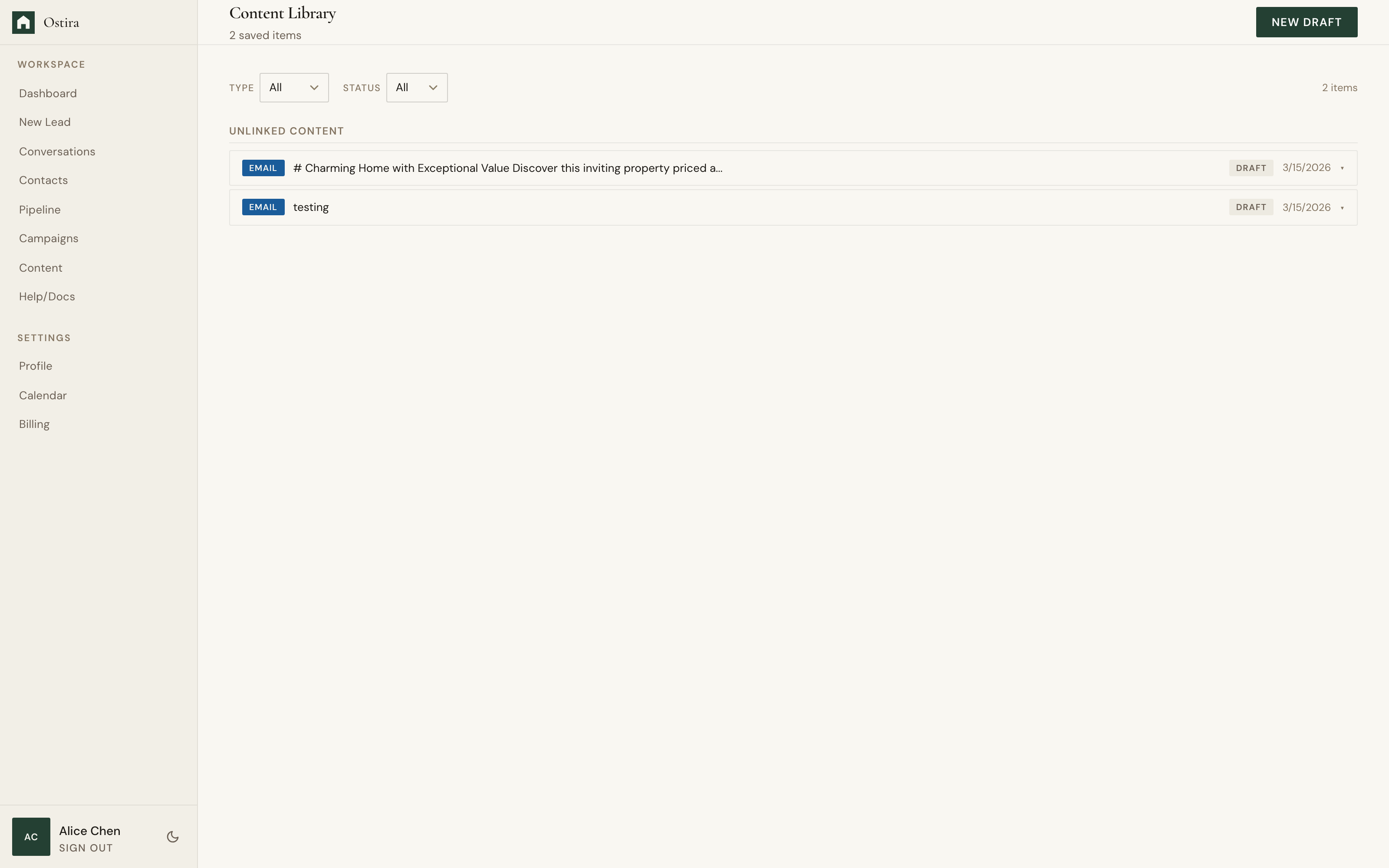
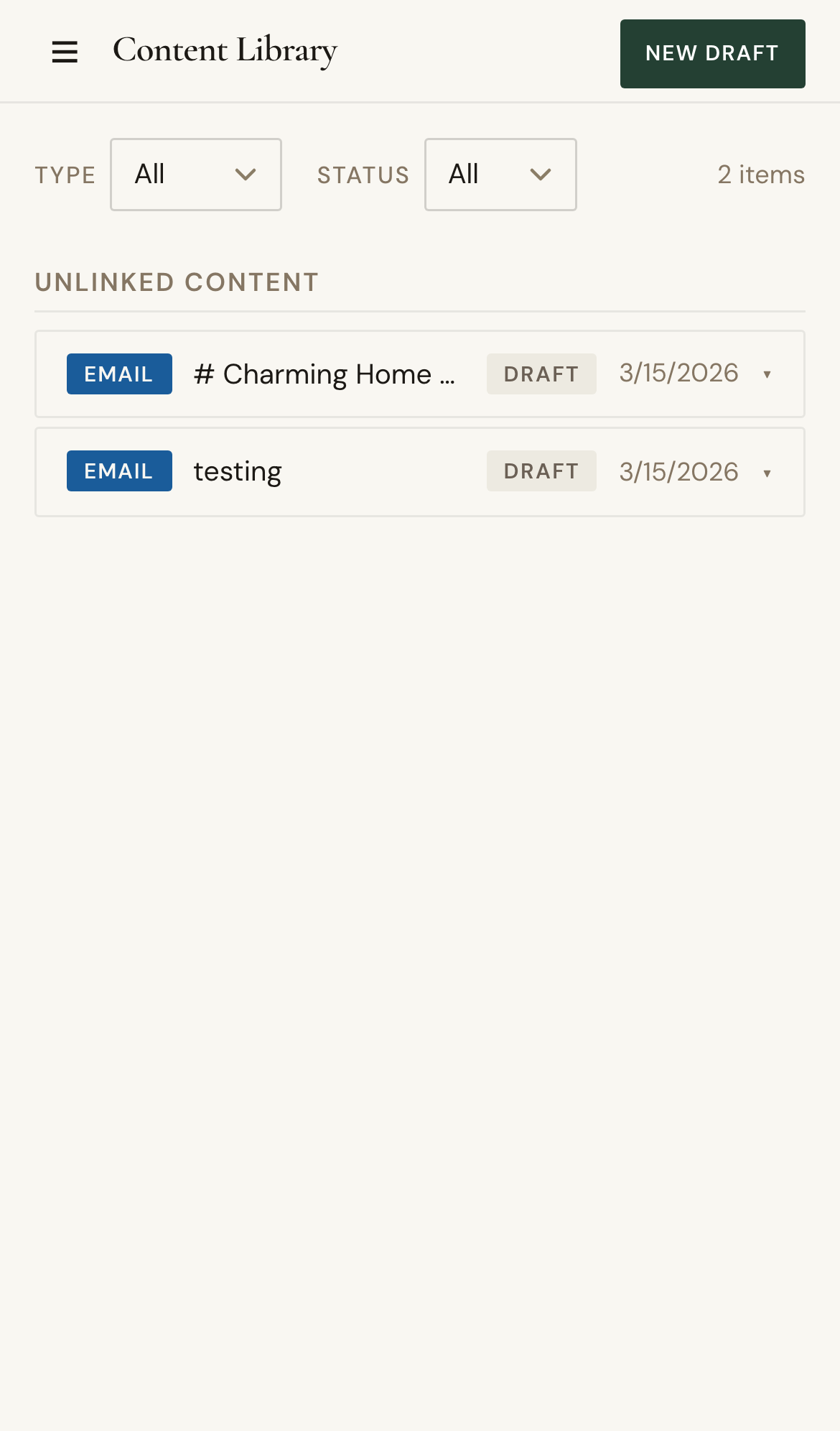
- Edit selected content and update status.
- Archive or delete outdated assets.
Expected Result
Content library remains current, discoverable, and aligned with active workflows.
Screenshots
Visual reference aligned to each step with desktop and mobile variants.
Step 1
Step 2
Troubleshooting
- If items appear missing, clear filters and retry.
- If edits fail to persist, refresh and save again.