Troubleshooting
Fix CSV Import Errors
Summary
Resolve import errors and skipped rows so contact ingestion completes successfully.
Steps
- Review preview warnings and identify failed rows.
- Correct missing fields or invalid values in CSV.
- Re-upload corrected file and verify counts.
Expected Result
Import completes with expected record volume and minimal skips.
Screenshots
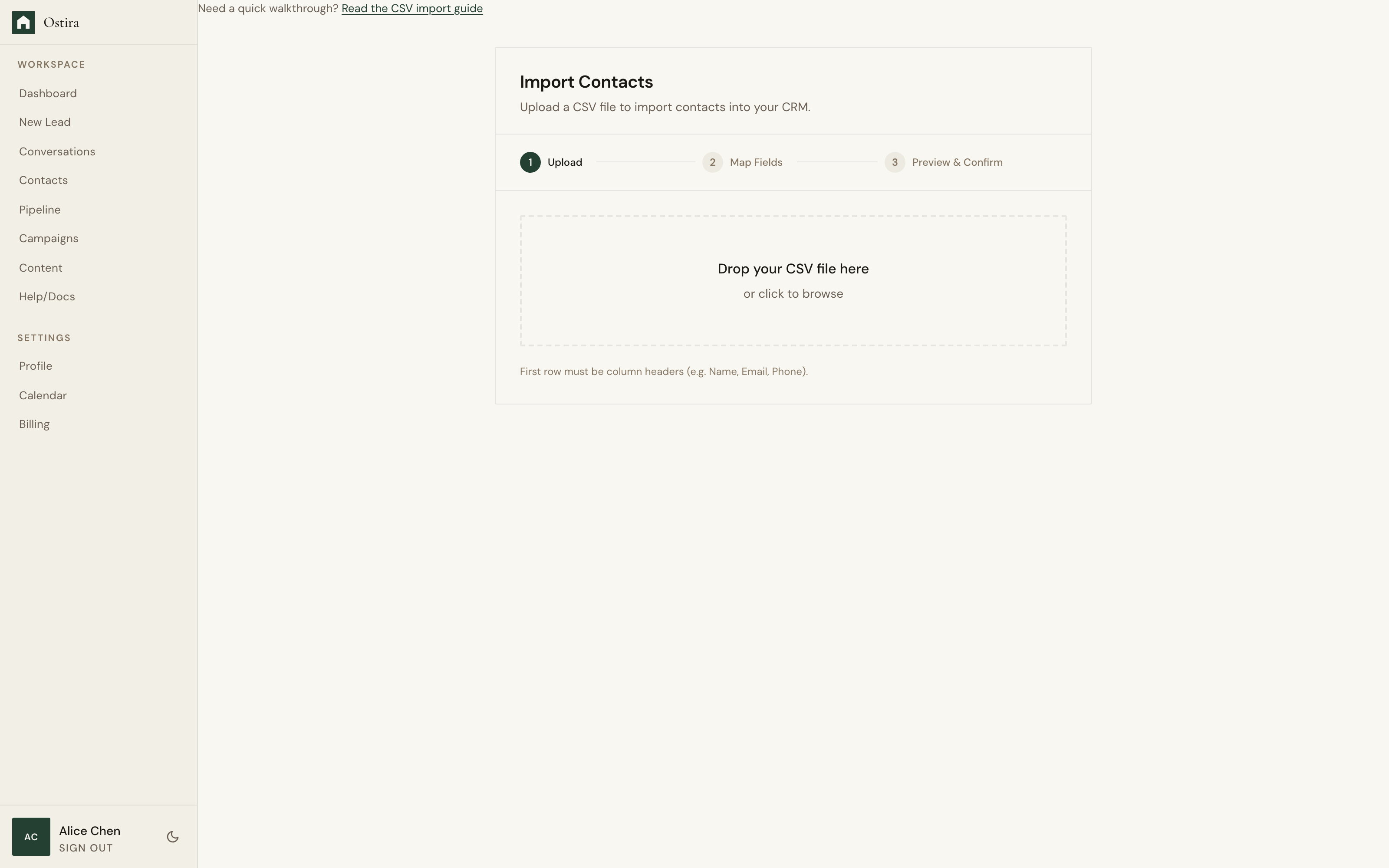
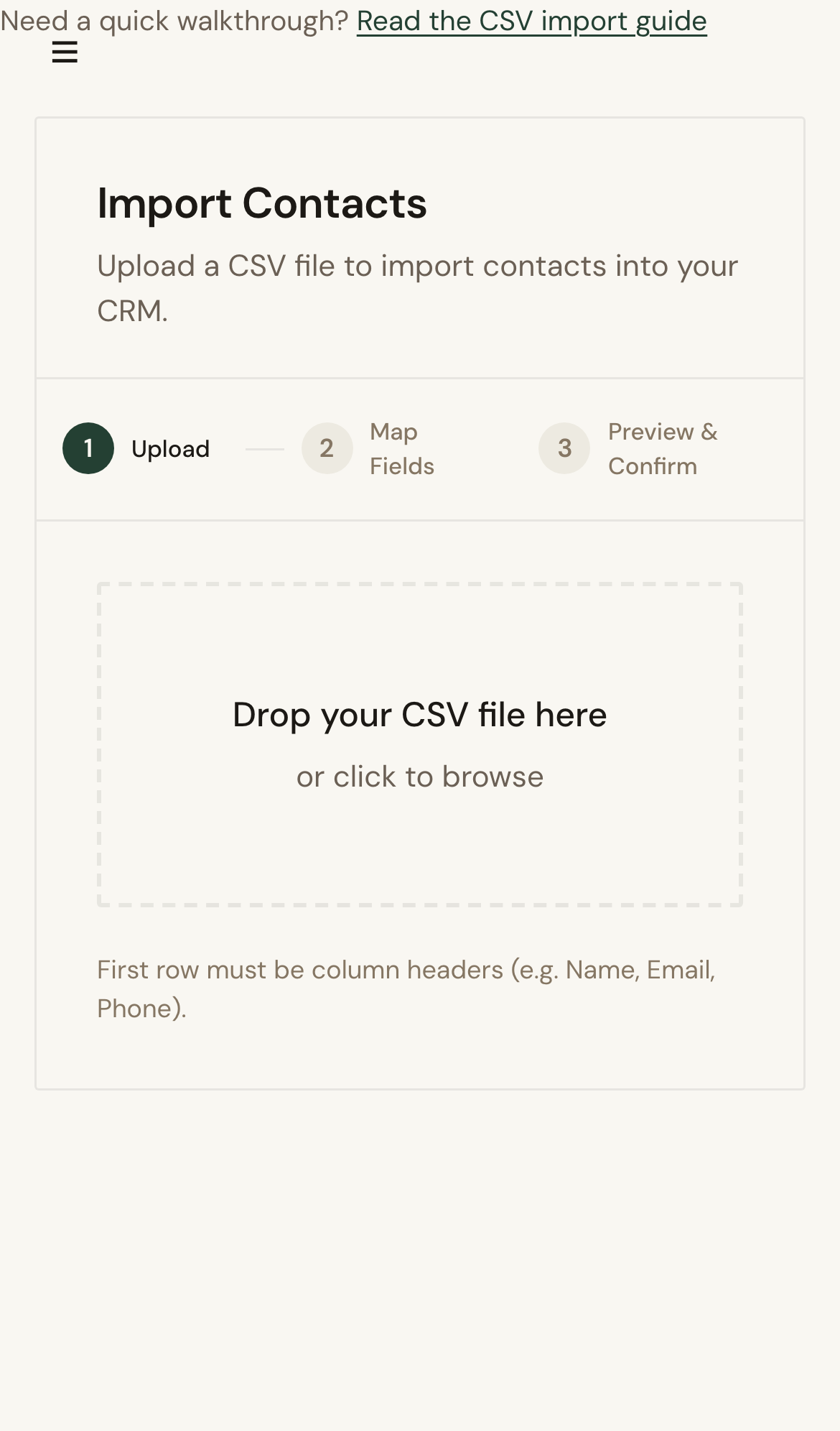
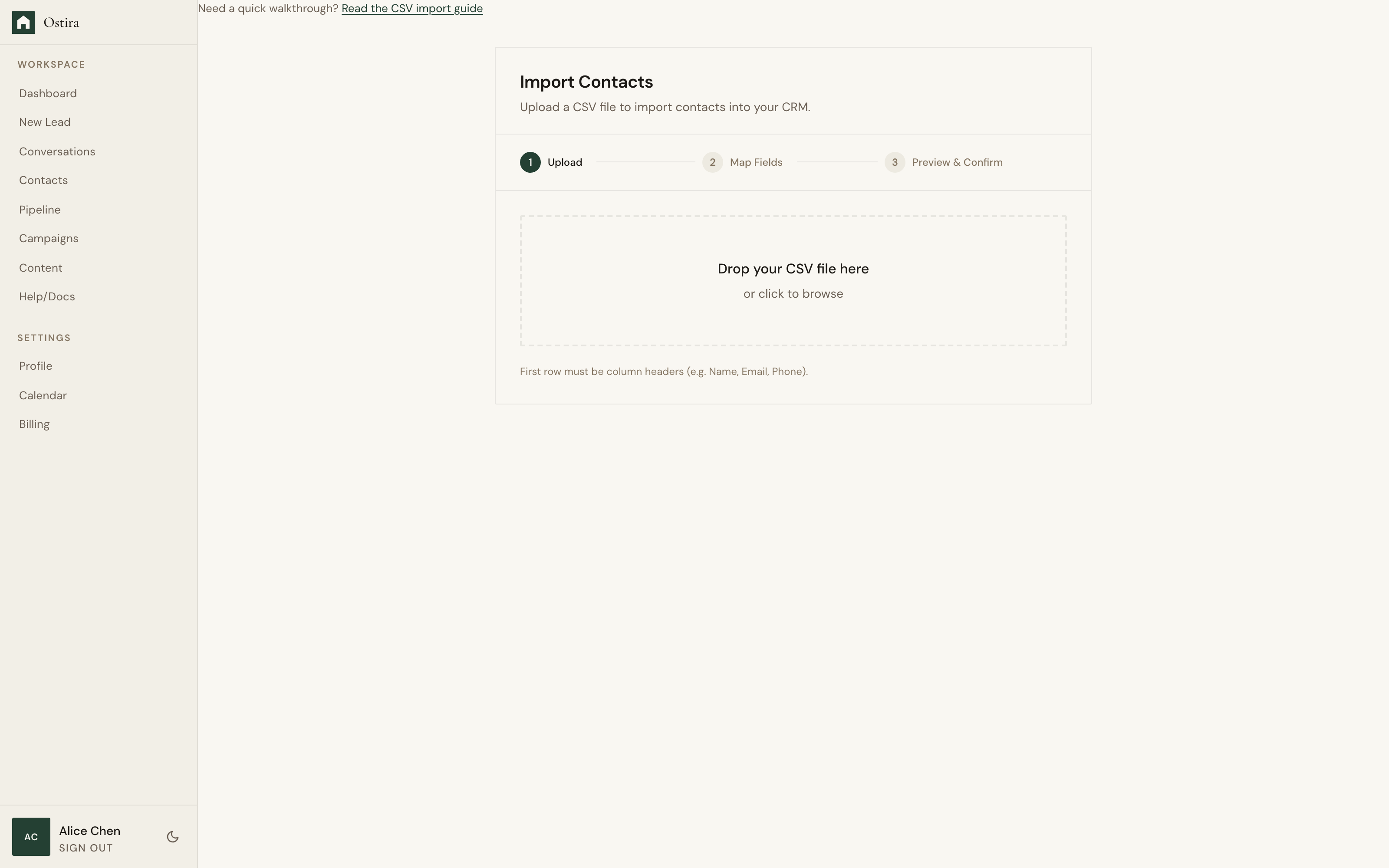
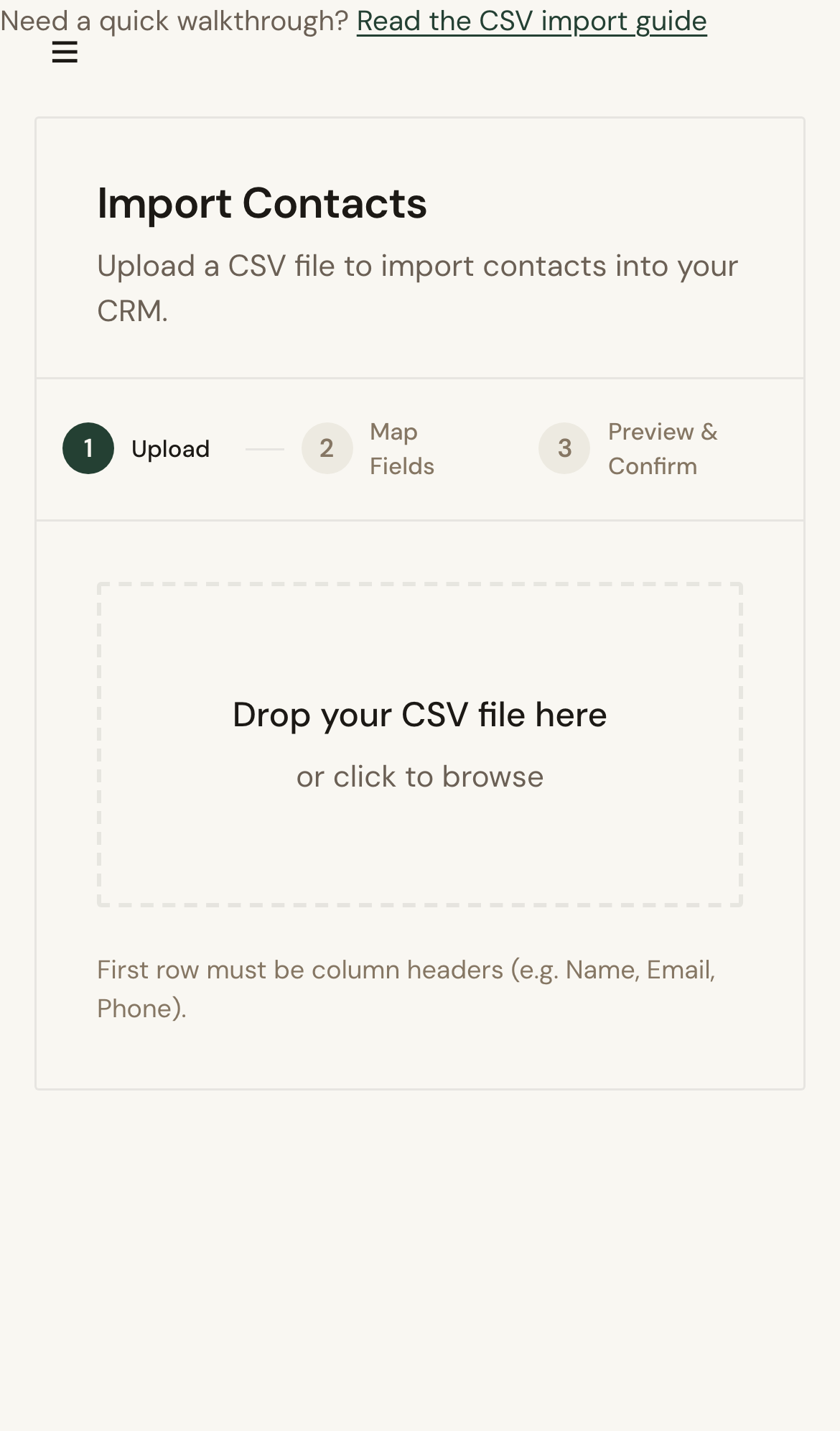
Visual reference aligned to each step with desktop and mobile variants.
Step 1
Step 2
Troubleshooting
- If rows continue to skip, verify field mapping and required columns.
- If import stalls, retry in smaller file batches.
Still blocked after following these steps?
Escalate Import Issue