Daily Workflows
Manage Your Contacts
Summary
Keep contact data clean and actionable by updating details, tags, and notes as conversations progress.
Steps
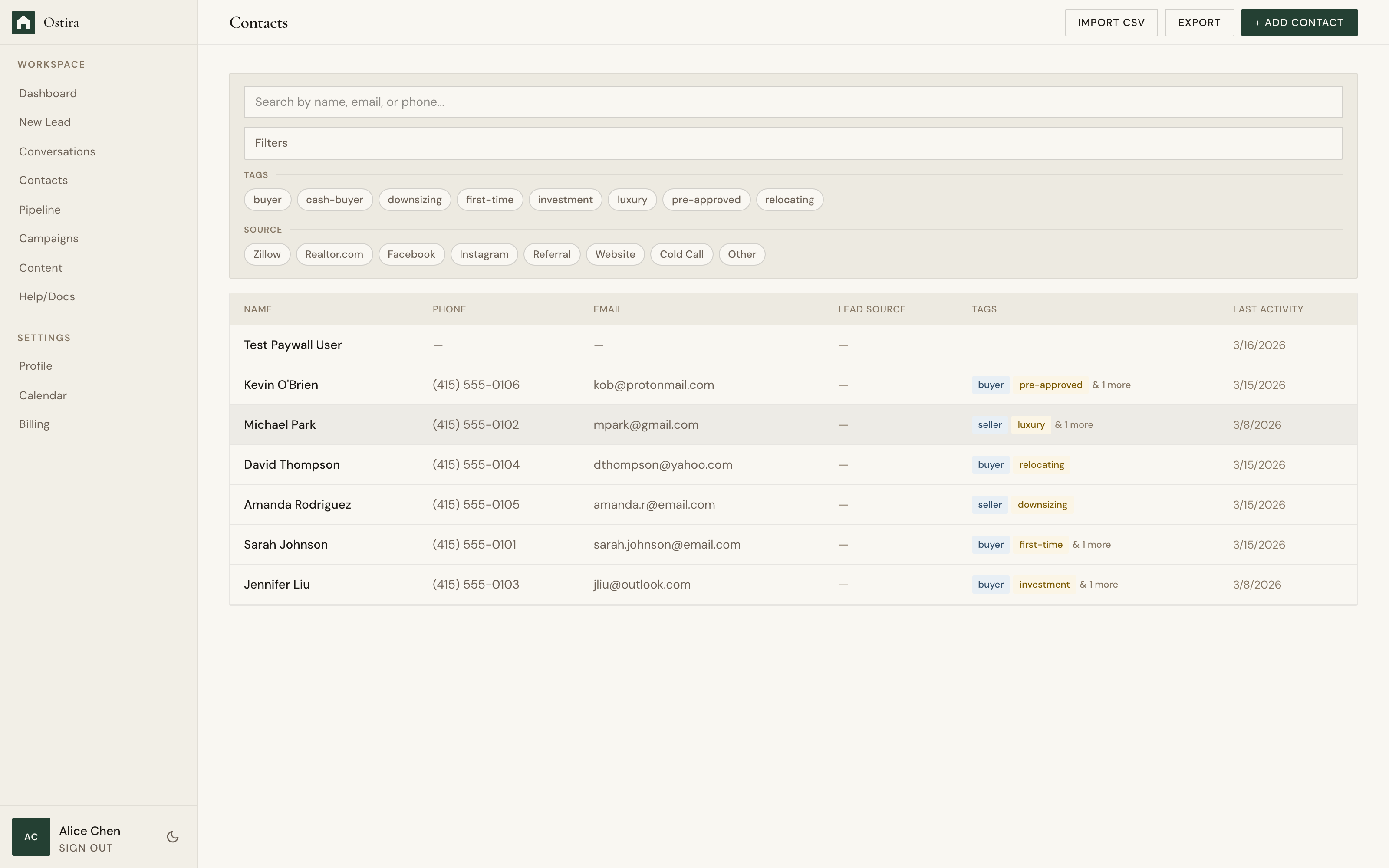
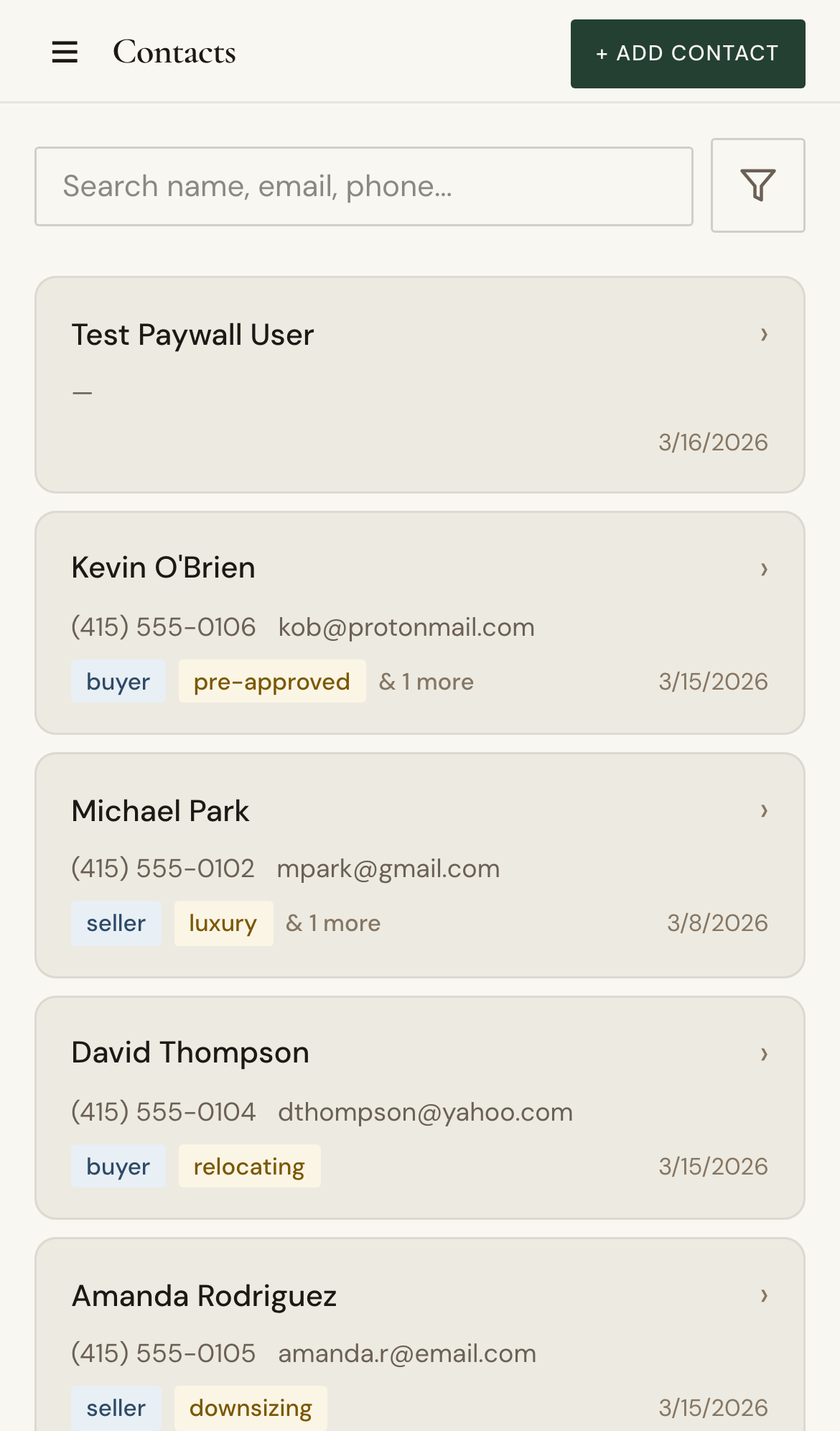
- Open Contacts and search for a person.
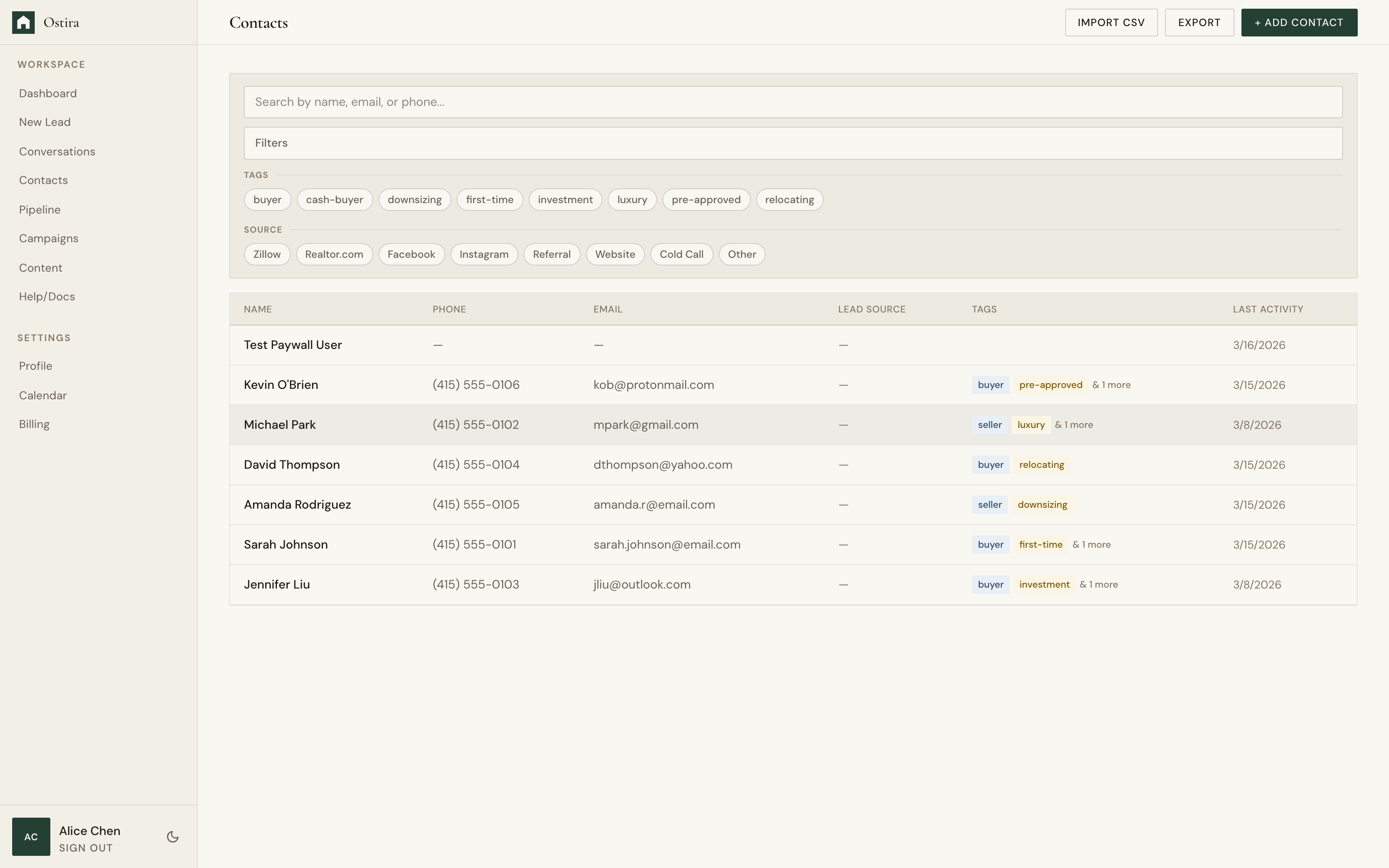
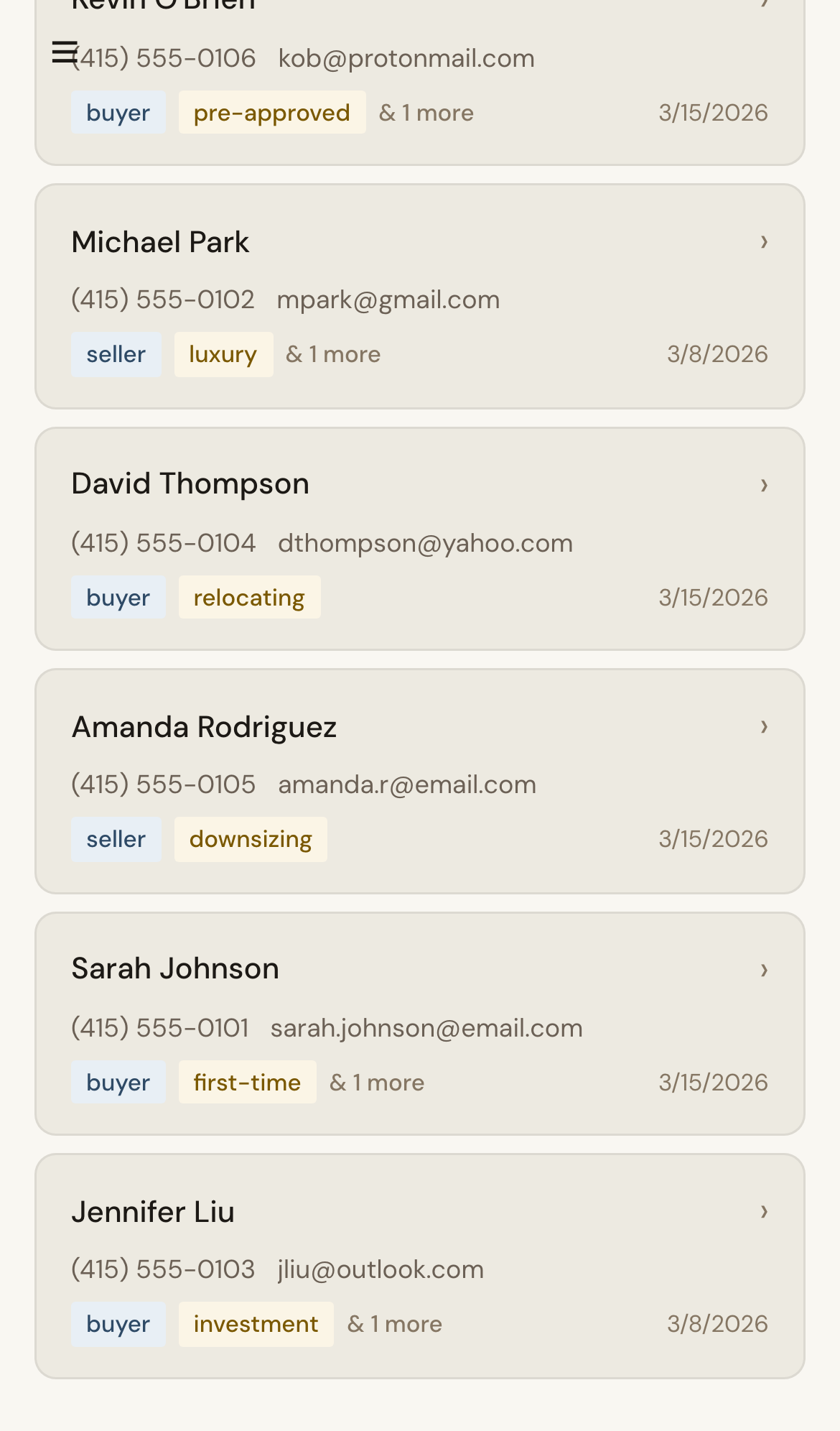
- Update details, tags, and notes.
- Save changes and verify updates in list/detail views.
Expected Result
Contact records stay accurate for segmentation and follow-up.
Screenshots
Visual reference aligned to each step with desktop and mobile variants.
Step 1
Step 2
Troubleshooting
- If updates do not persist, refresh and save again.
- If a contact is missing, clear filters and retry search.
Tips & Tricks
- Use consistent tag naming conventions.
- Capture notes immediately after calls or meetings.