Reference

Plan Limits and Free Tier Rules

Summary

Understand usage limits and when upgrades are required to avoid blocked workflows.

Steps

  1. Open Billing and check current plan status.
  2. Review counts for contacts, campaigns, conversations, and content.
  3. Upgrade before reaching blocking limits.

Expected Result

You anticipate limits before they interrupt daily operations.

Screenshots

Visual reference aligned to each step with desktop and mobile variants.

Step 1
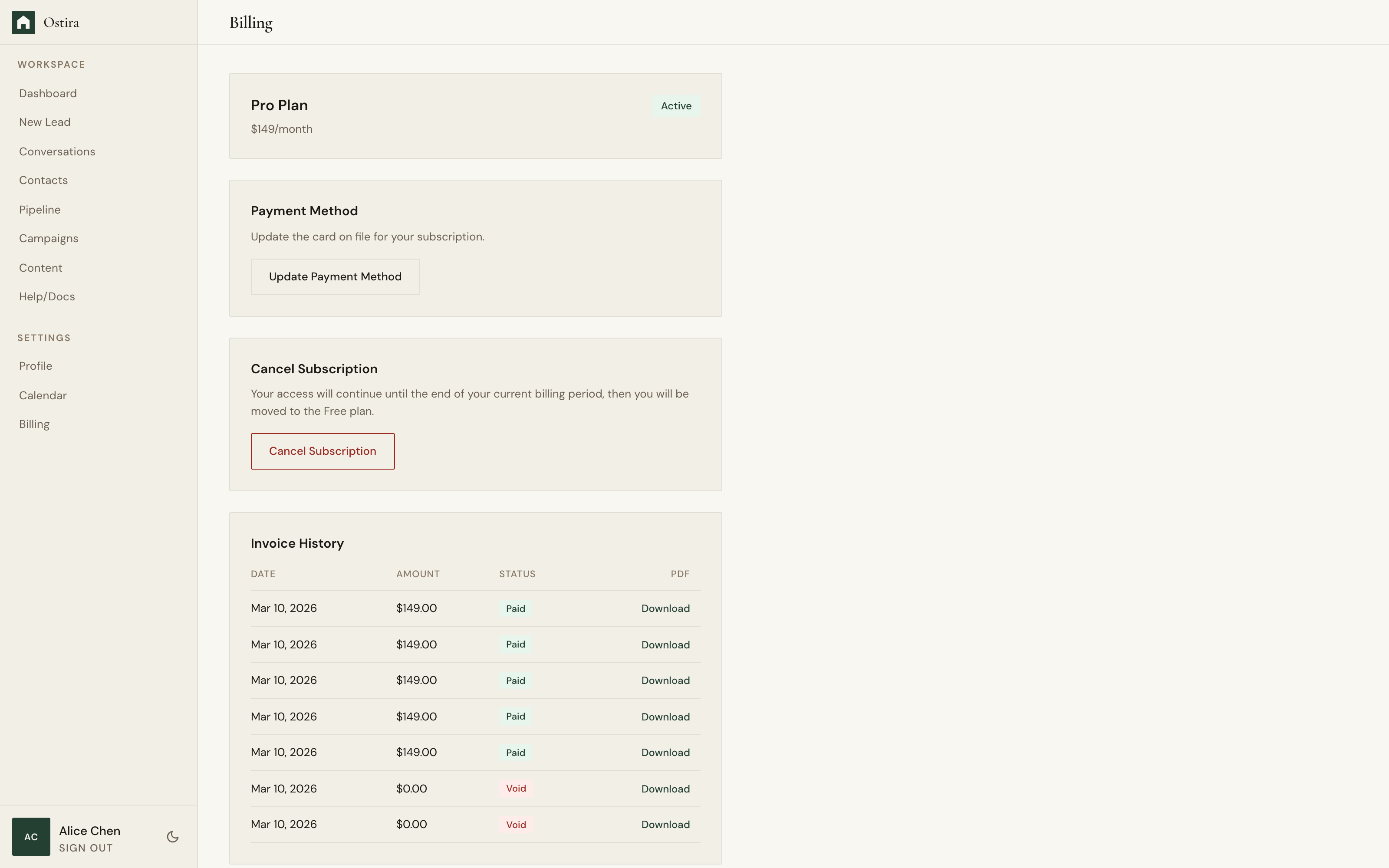
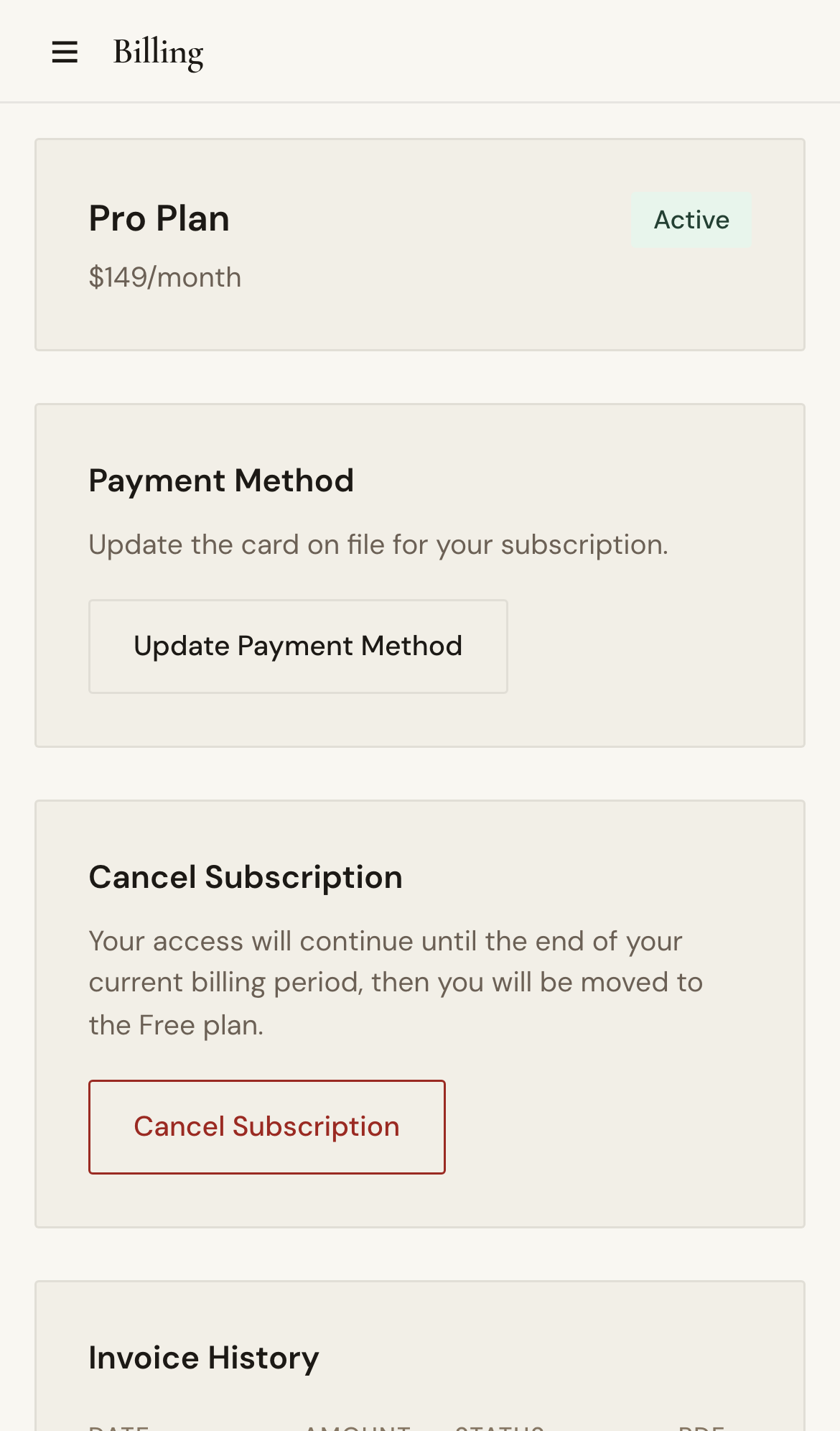
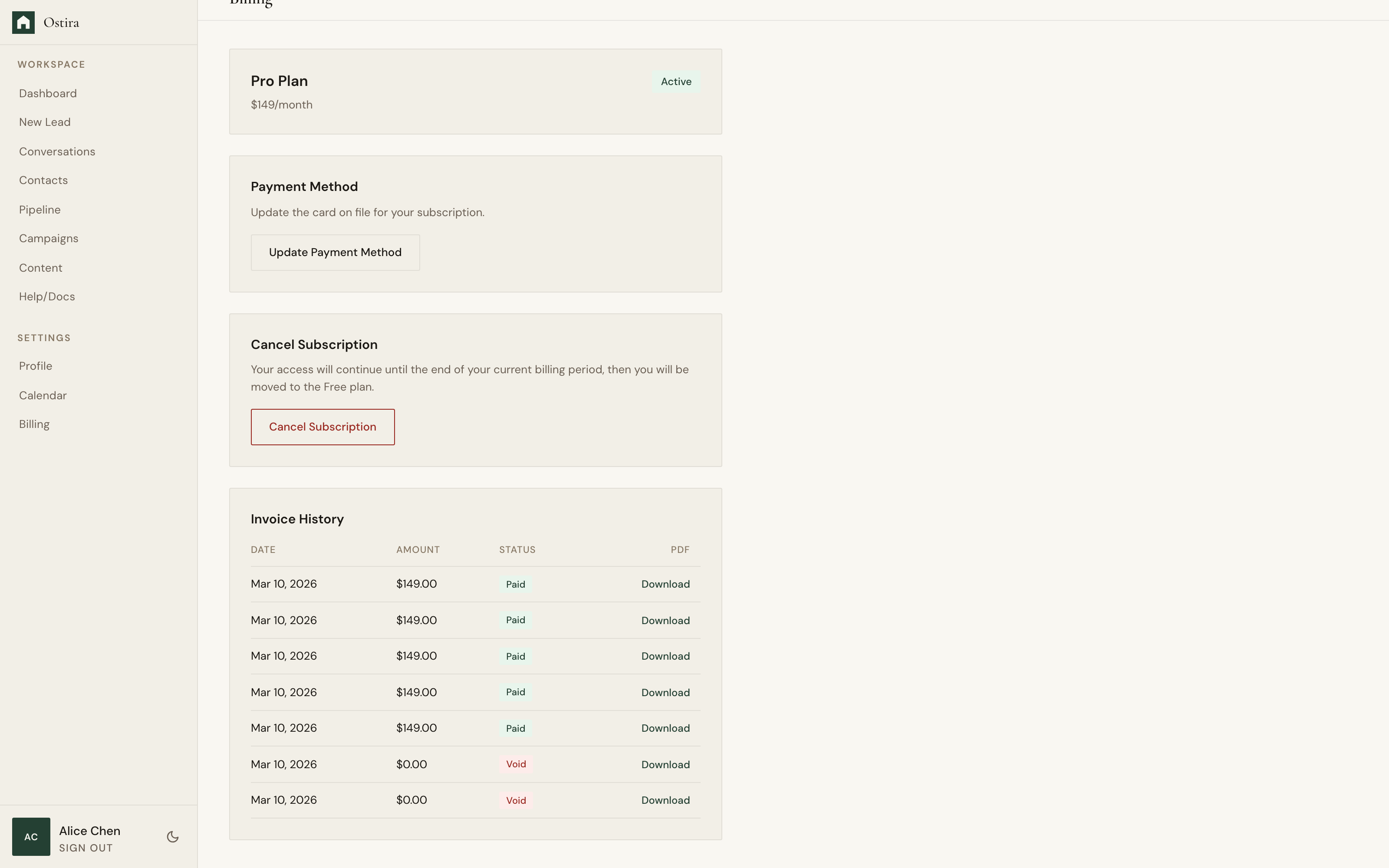
Desktop screenshot for Plan Limits and Free Tier Rules: Open Billing and check current plan status.
desktop Open Billing and check current plan status.
Mobile screenshot for Plan Limits and Free Tier Rules: Open Billing and check current plan status.
mobile Open Billing and check current plan status.

Step 2

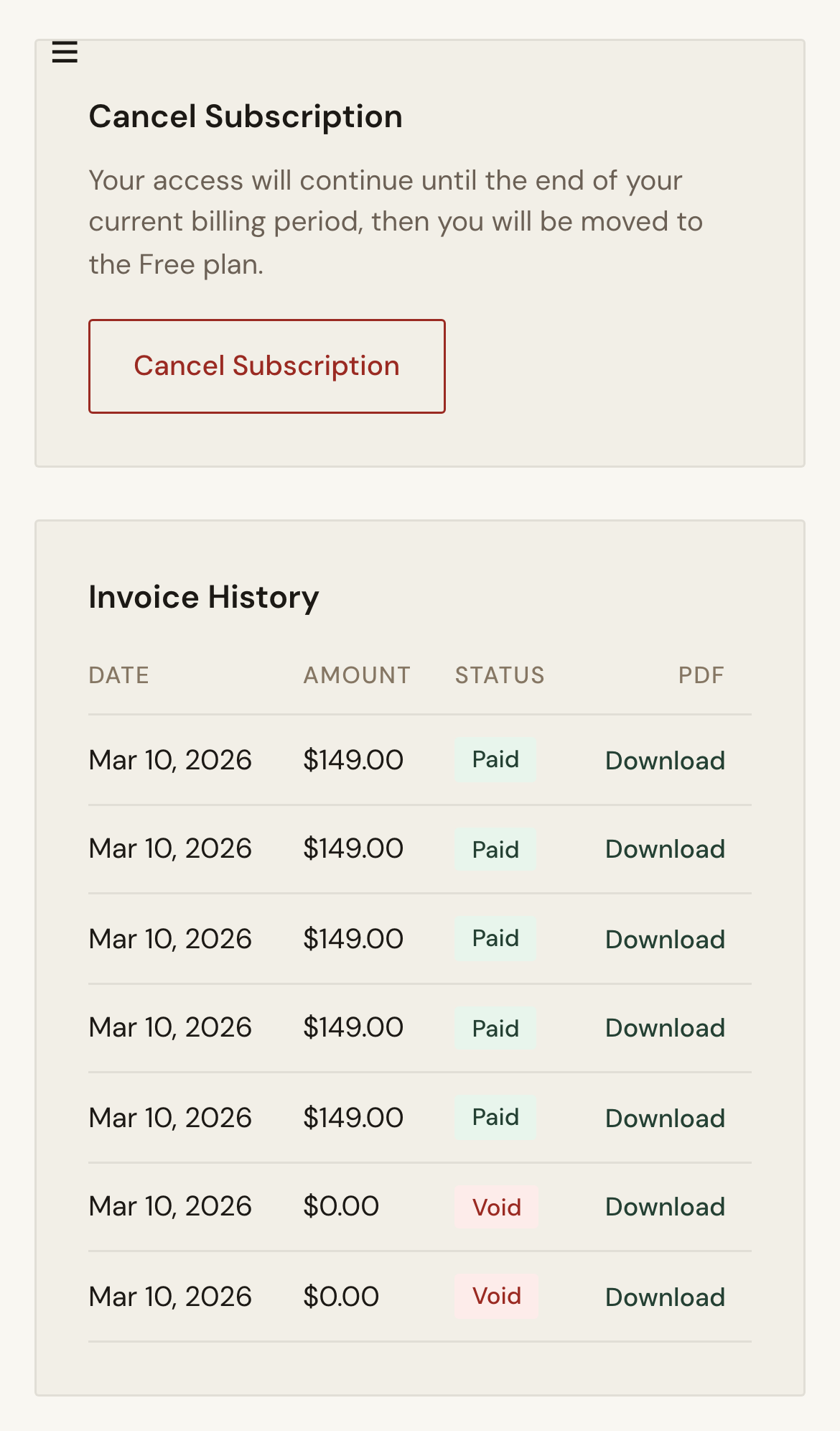
Desktop screenshot for Plan Limits and Free Tier Rules: Review counts for contacts, campaigns, conversations, and content.
desktop Review counts for contacts, campaigns, conversations, and content.
Mobile screenshot for Plan Limits and Free Tier Rules: Review counts for contacts, campaigns, conversations, and content.
mobile Review counts for contacts, campaigns, conversations, and content.

Troubleshooting

  • If actions are unexpectedly blocked, recheck current counts and subscription status.
  • If counts appear stale, refresh billing and retry the action.