Reference
Public Booking Flow
Summary
Understand how public booking links and availability windows produce valid appointments.
Steps
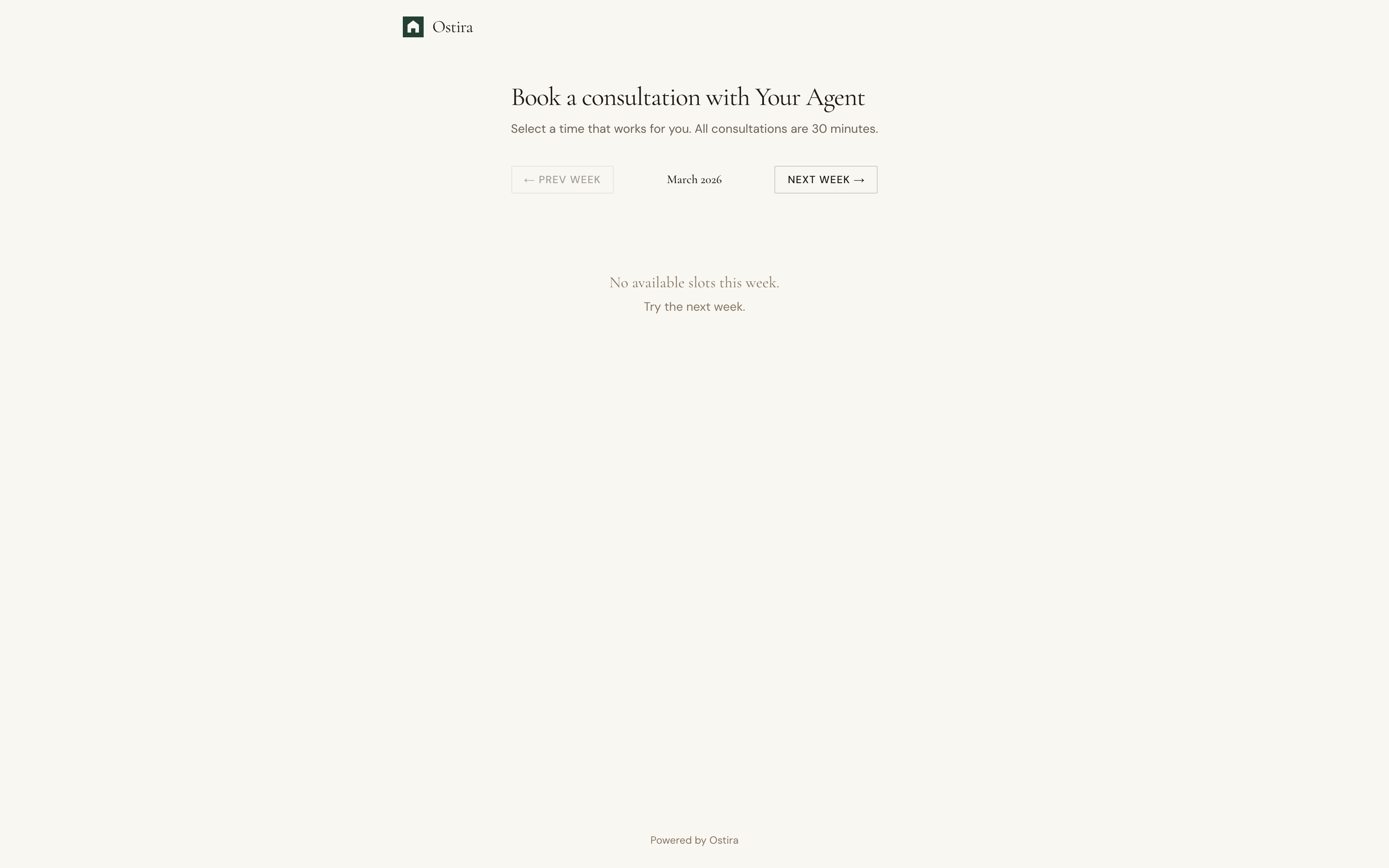
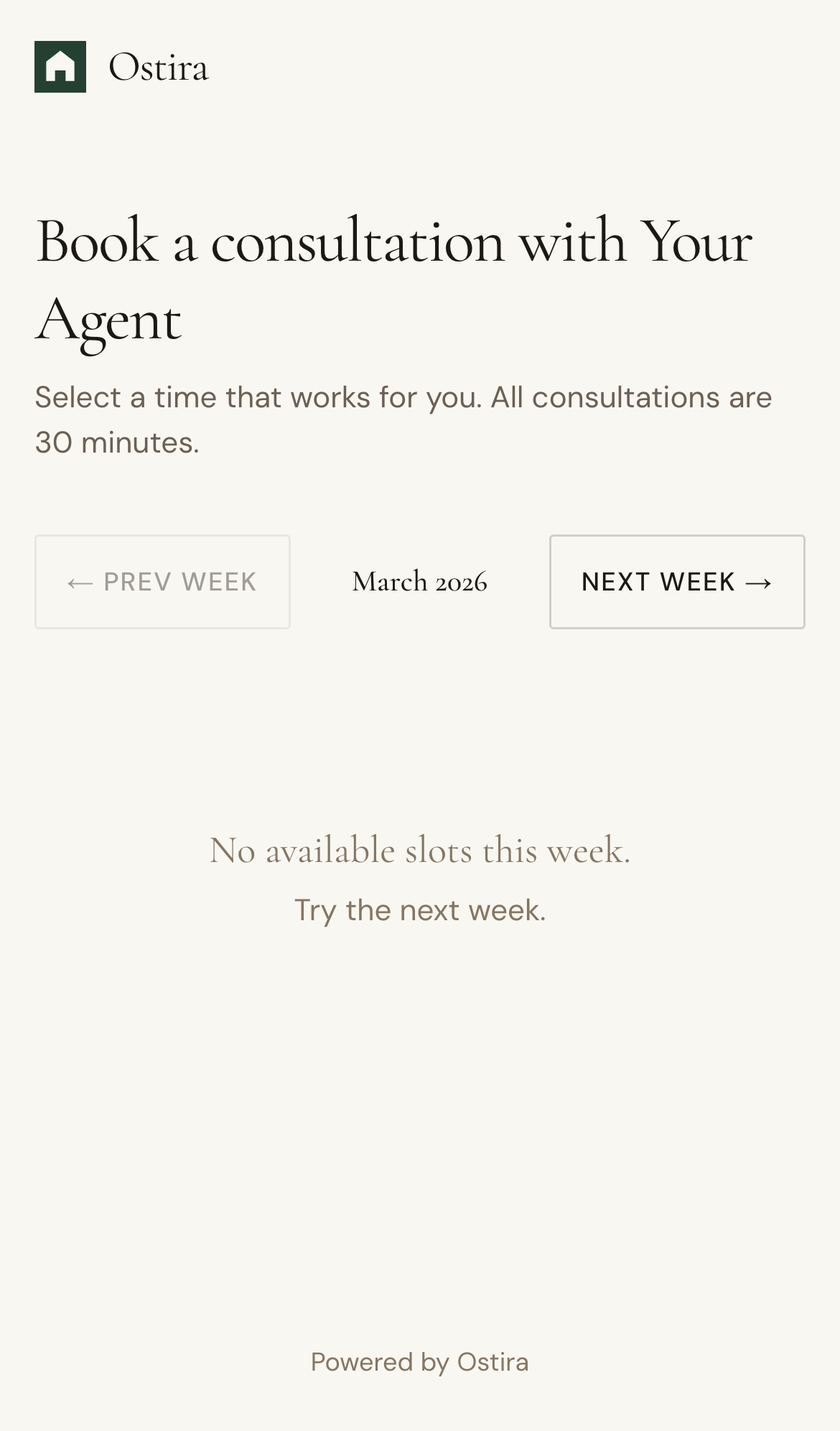
- Share your public booking URL.
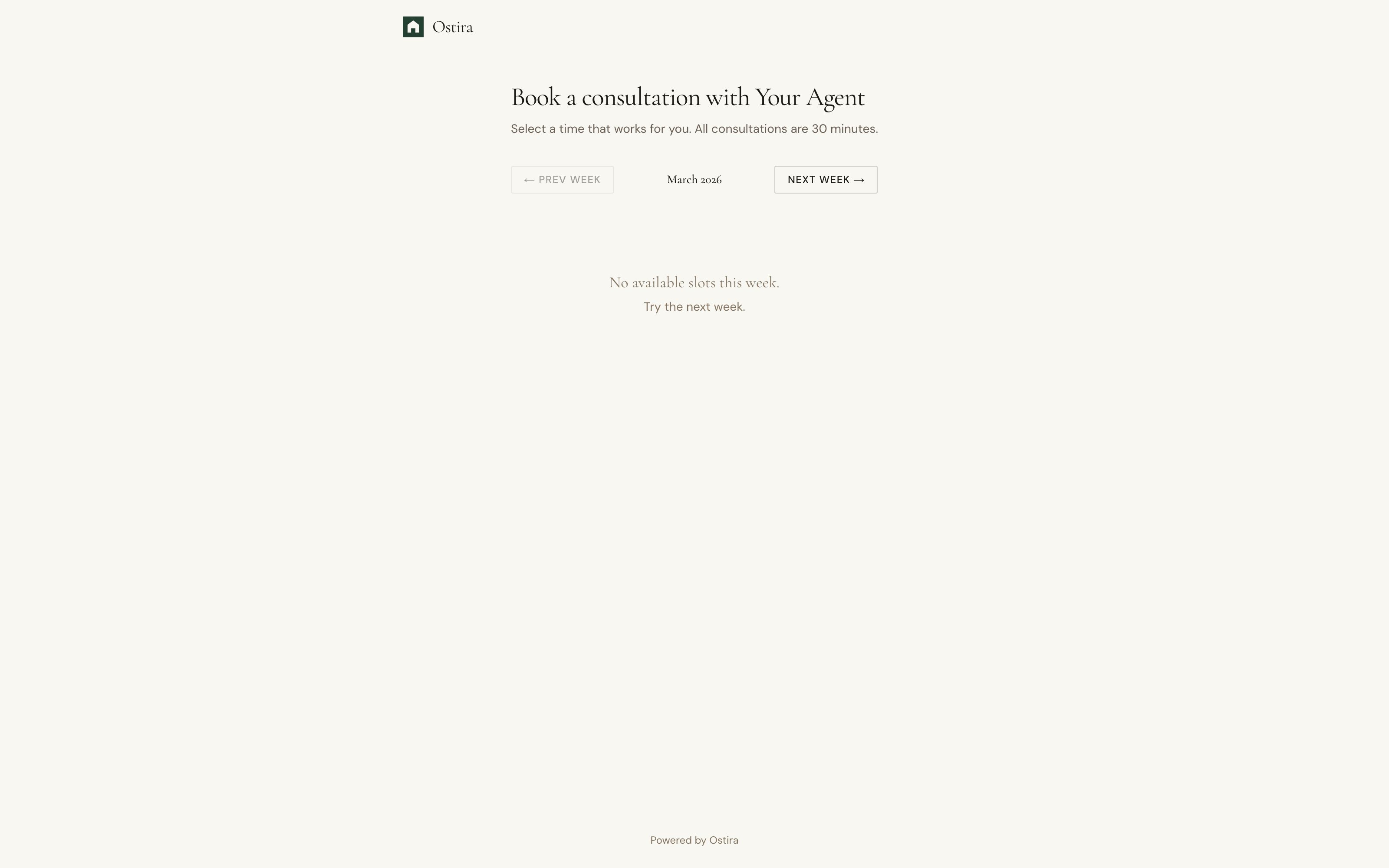
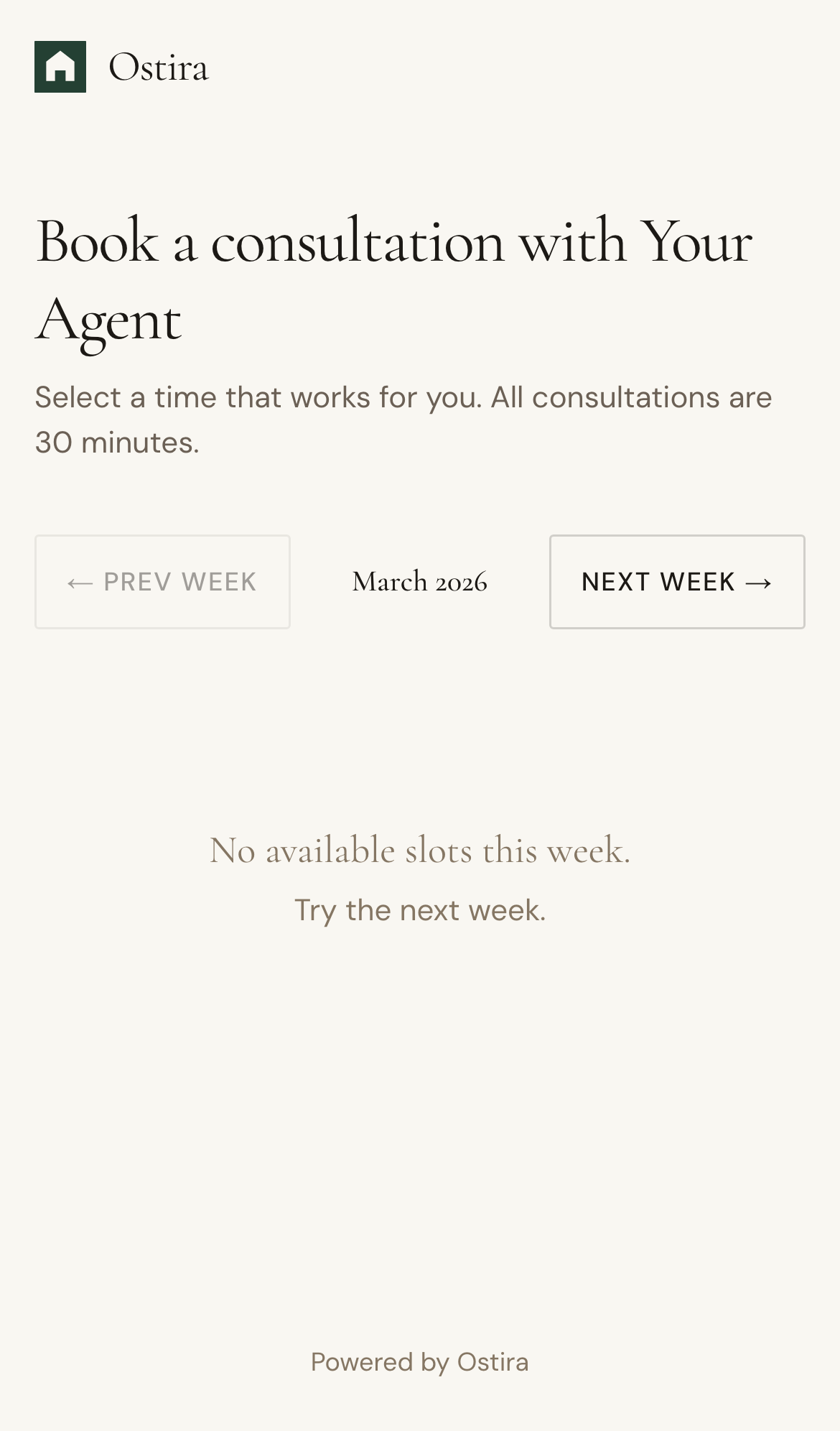
- Prospect selects an available time slot.
- Appointment is created in connected calendar workflows.
Expected Result
Prospects self-book valid appointments that sync correctly.
Screenshots
Visual reference aligned to each step with desktop and mobile variants.
Step 1
Step 2
Troubleshooting
- If slots do not appear, verify availability windows and calendar connection.
- If booking fails, retry with a different time and refresh status.